
 English
 Русский
 Deutsch
 Français
 Español
 Italiano
 Português
 Türkçe
 Čeština
 한국어
한국어
 中文
中文

With our generator, you can easily create a fake chat that is indistinguishable from a real one. In this guide, we will show you step by step how to set up a dialogue, change the design, and get the perfect screenshot.
Generate a fake chat via "AI". Just write the topic, and the neural network will create a realistic correspondence in a couple of seconds.
Main Principle
Assembly
CHAT Tab. Fill with messages, set ticks and time.
Setup
THEME Tab. Choose style (iOS/Android), avatar, and wallpaper.
Generation
Click "Preview" and download the result in HD quality.
"CHAT" Tab
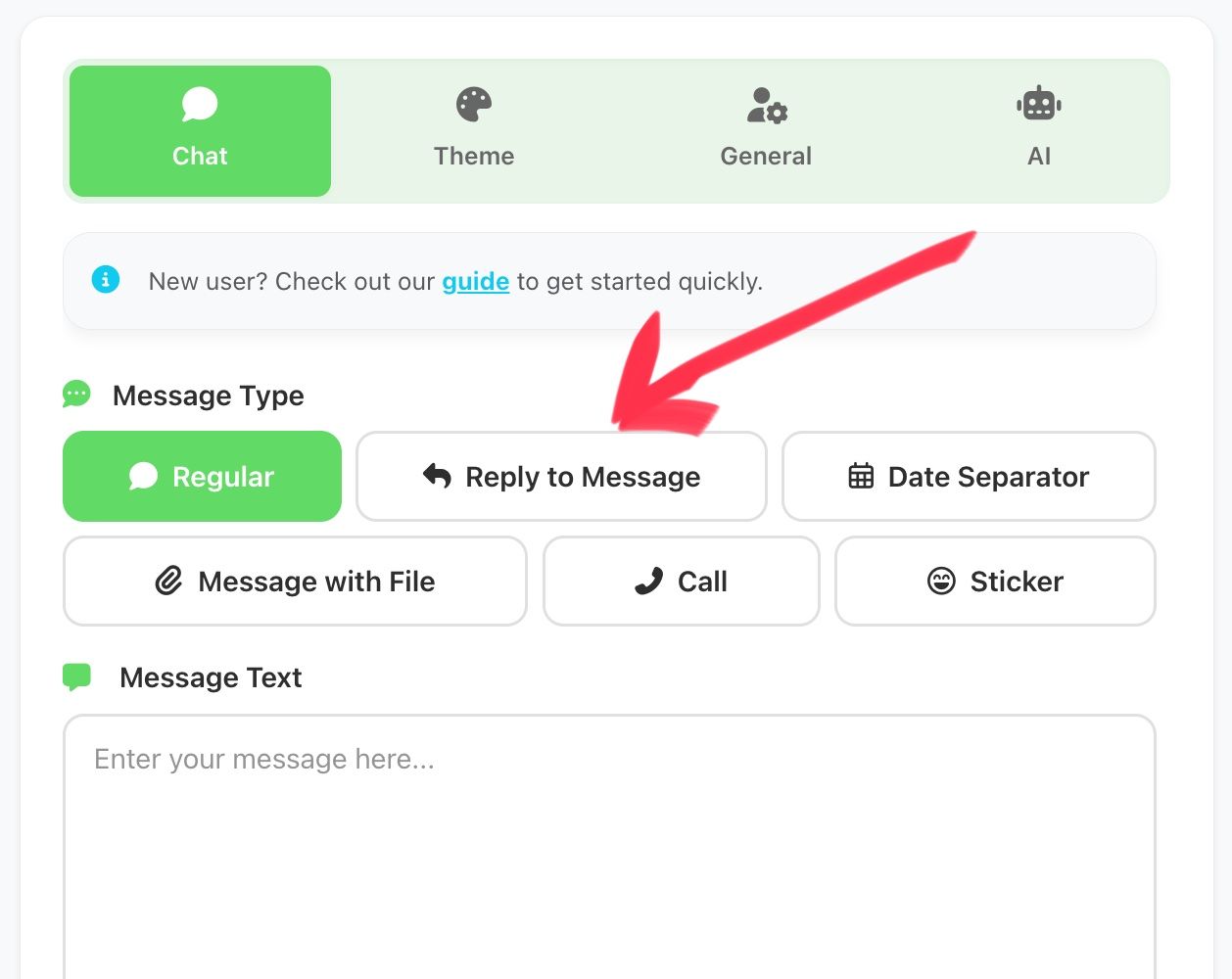
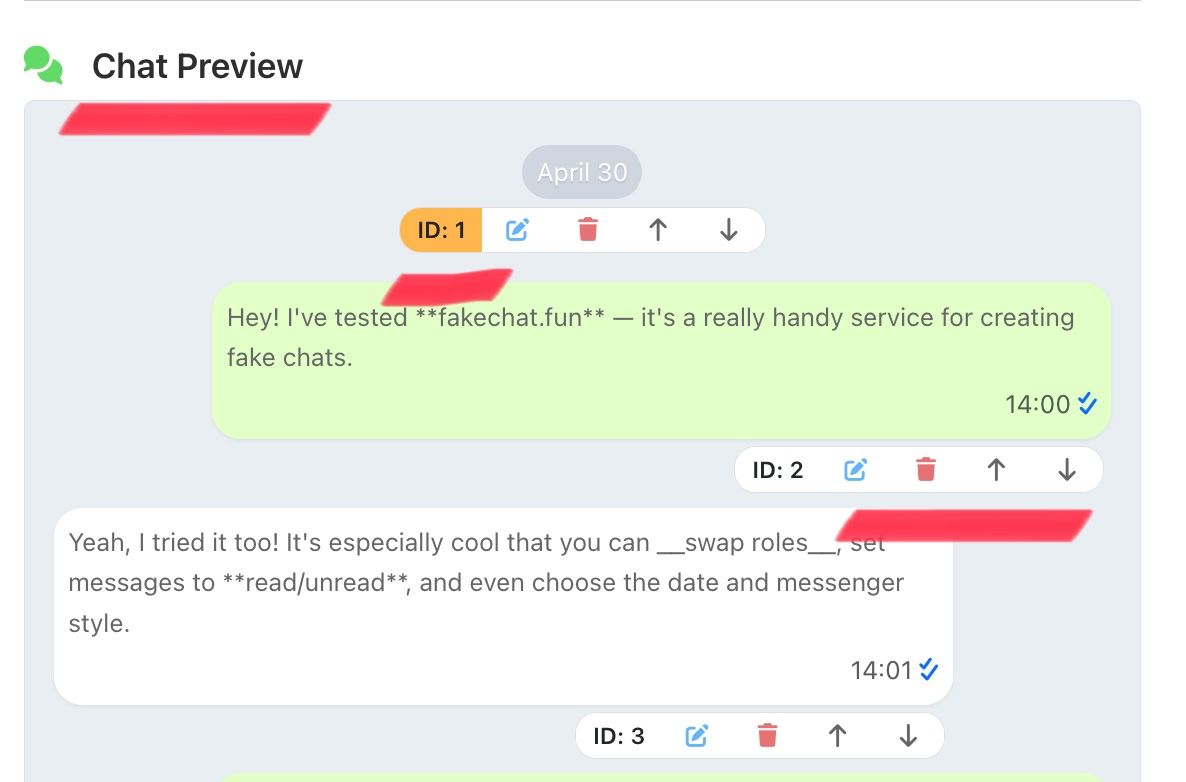
In this section, we create the correspondence itself. First, we select the type of message we want to send. Fill in the necessary fields and be sure to click the SEND button. This message is sent below, to the chat preview window. In it, you can change the order, edit, and delete messages.

"THEME" Tab
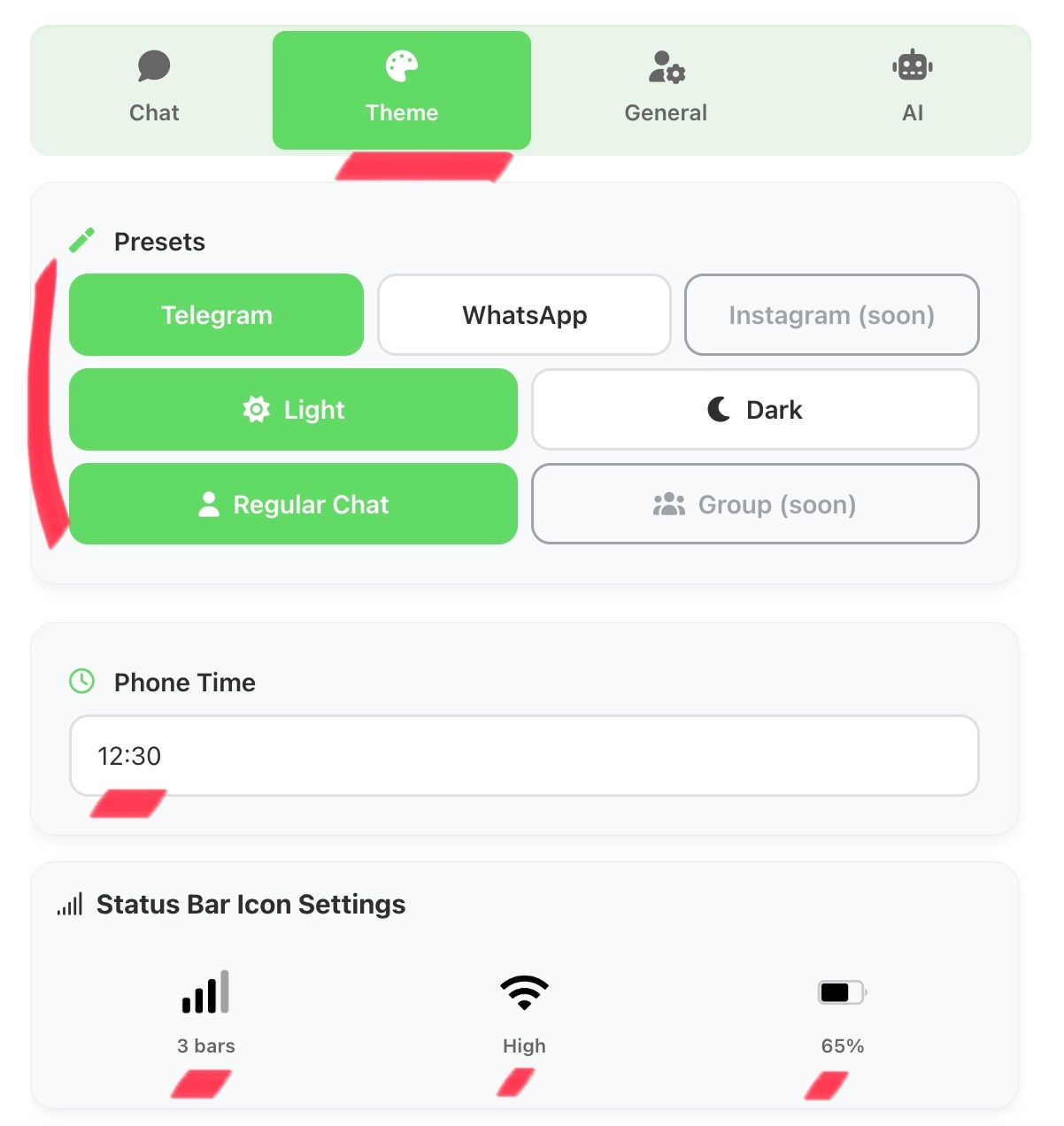
In this section, we select the messenger template, design theme, configure the phone time, network and battery icons. If necessary, change the message font size and color.


"GENERAL" Tab
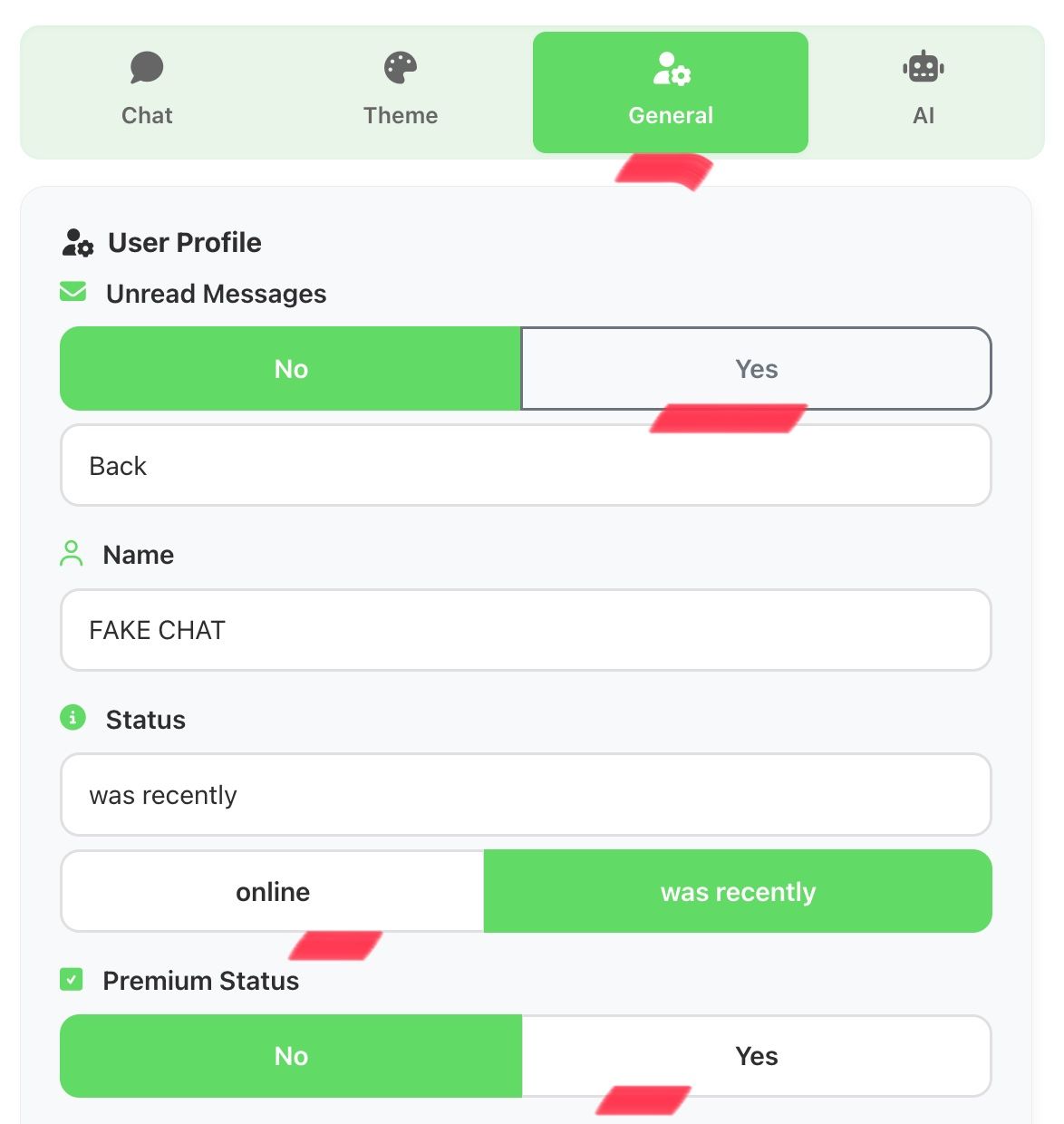
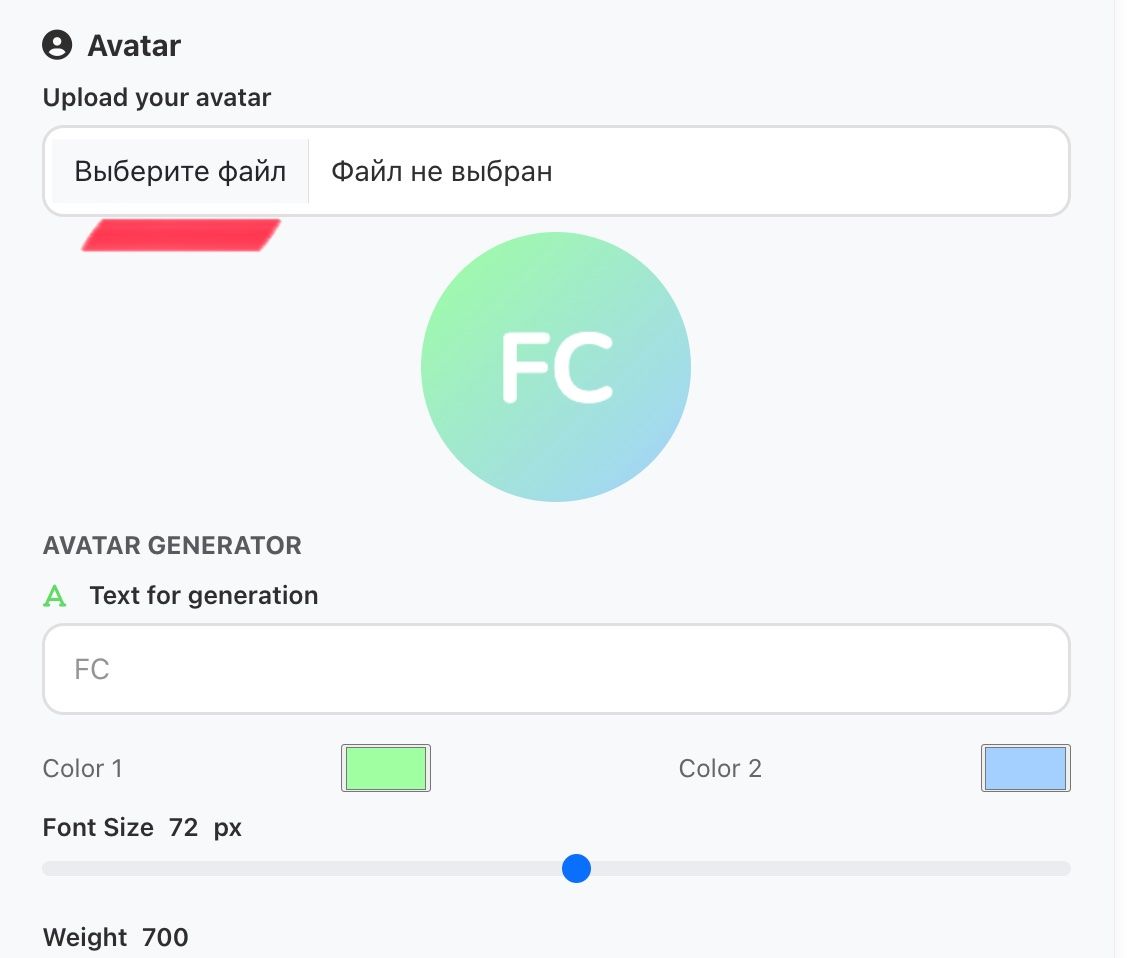
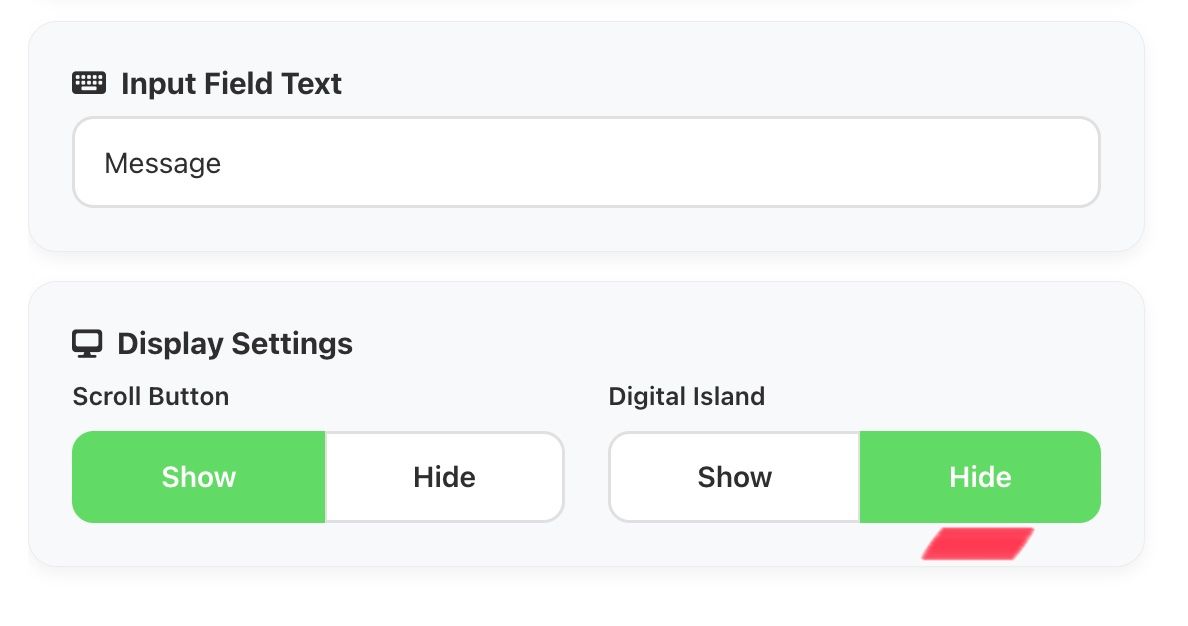
In this tab, we configure the interlocutor's profile, the back button or the number of unread messages, the interlocutor's activity status, the premium status next to the nickname, the avatar, show or hide the scroll button and digital island (for older iPhones).
"SCREENSHOT" Tab
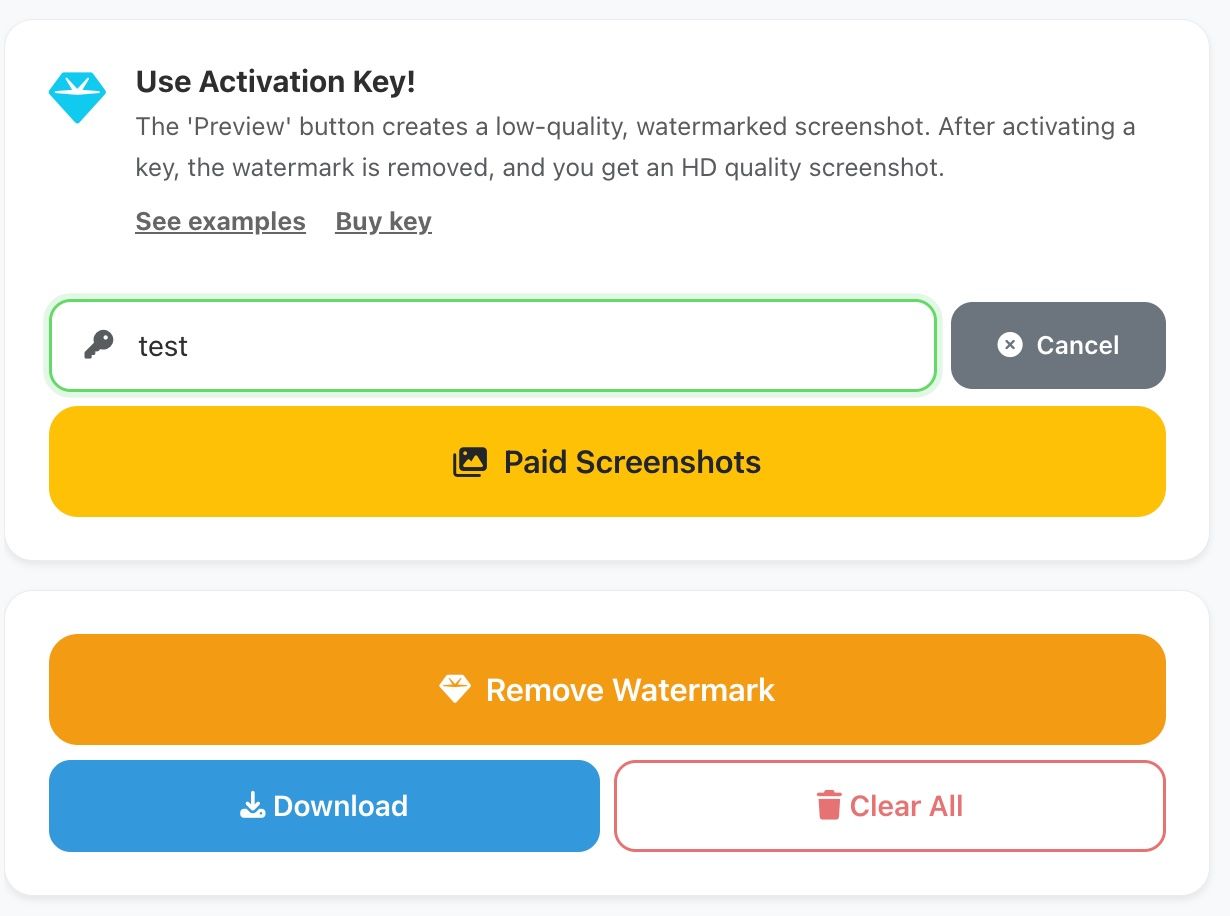
To generate the final screenshot, click the PREVIEW button. You will be shown a preview of the screenshot in low quality and with artifacts. When you have fully set up the dialogue and are ready to get the screenshot in high quality and without watermarks, buy an activation key and apply it in the input field and click the apply button. After that, click the generation button.
Questions and Answers
Read the AI guide
More about the scroll function
Instructions for payment and activation
Guide to design customization
Settings > Save Full. The file with settings will download to your device. In the future, you can upload it via the Import button and continue editing.
Guide to saving projects
Create a Screenshot Now
Go to the generator, set up the chat, and download the screenshot.