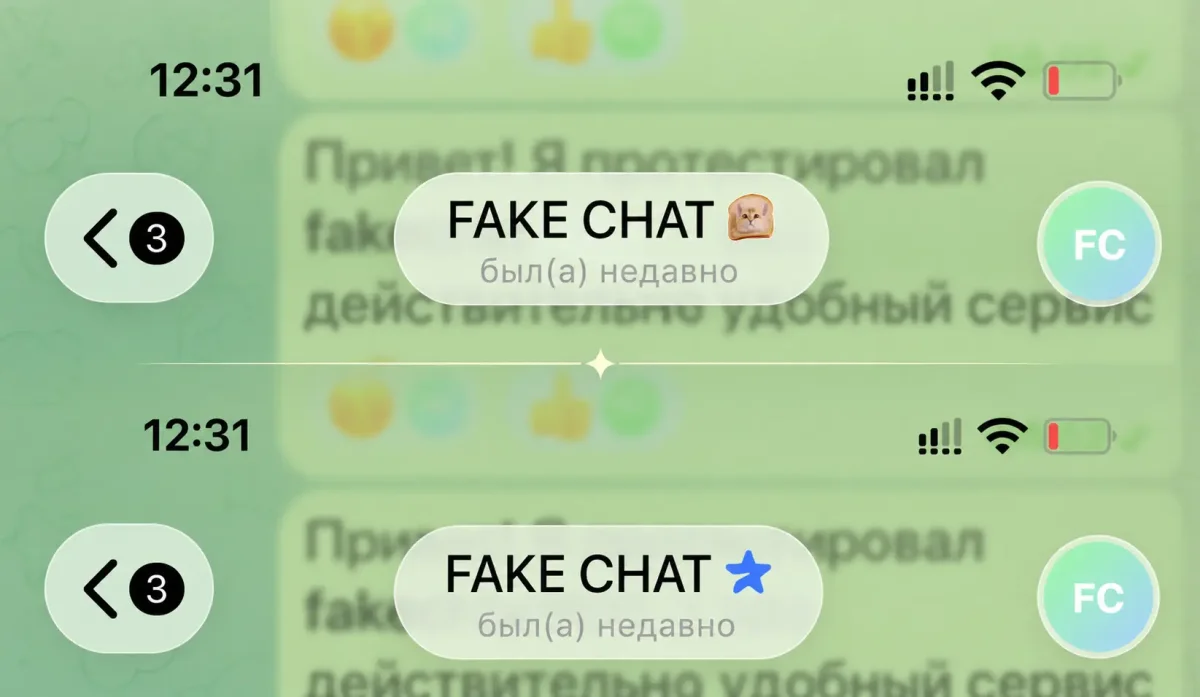
Premium Badges & Checkmarks
Add Telegram Premium icons, verification badges, and double-check read receipts in one click.
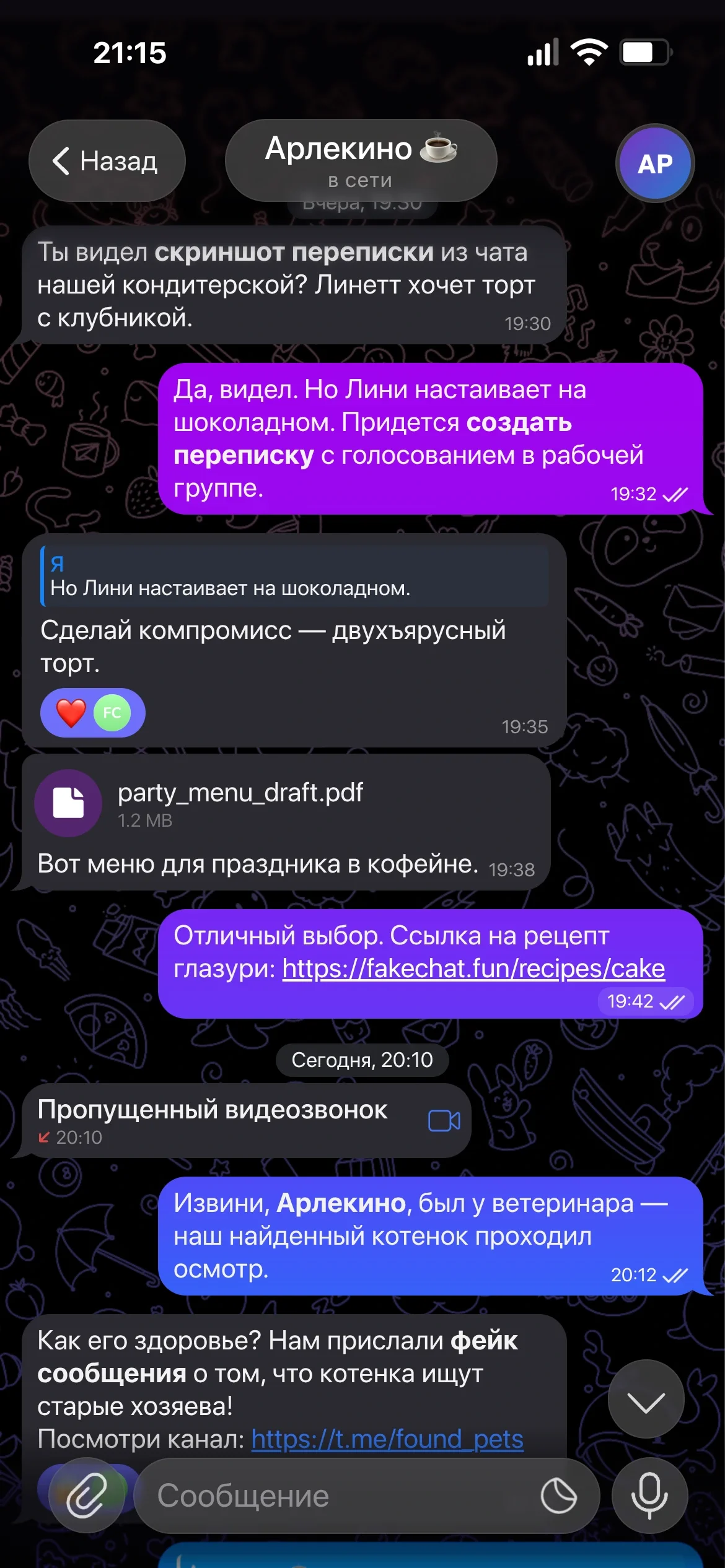
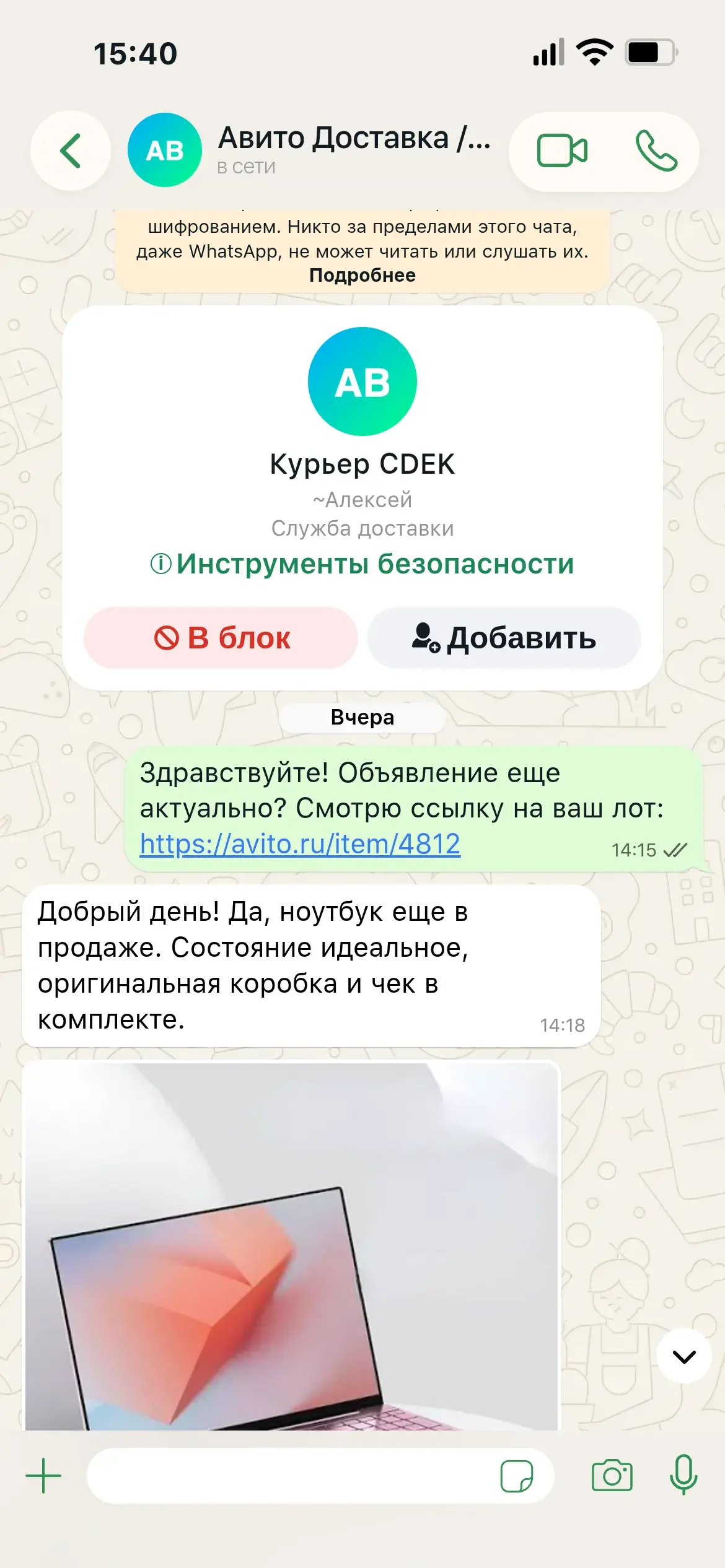
Professional online conversation simulator for Telegram and WhatsApp with complete control over every visual element. Create realistic fake chats for social media content, memes, and stories.
Over 12,400+ screenshots created
Create a realistic fake chat in 3 simple steps
Specify the contact name, upload a profile photo, and set the status ("online", "typing...").
Add incoming and outgoing messages, adjust exact timestamps, delivery ticks, and emoji reactions.
Click "Generate" to export a clean, pixel-perfect screenshot in crisp HD quality.
Premium Badges & Checkmarks
Add Telegram Premium icons, verification badges, and double-check read receipts in one click.
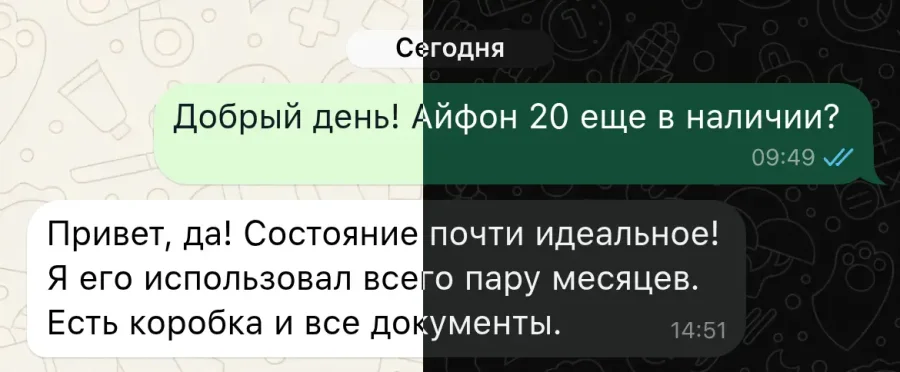
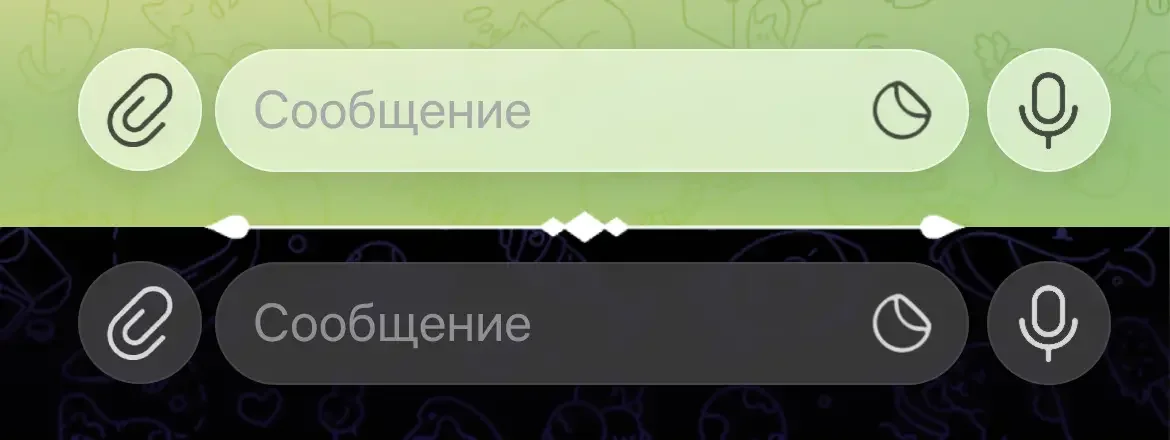
Dark & Light Themes
Seamlessly toggle between original native iOS Dark Mode and crisp Light Mode designs.
Custom Backgrounds & Wallpapers
Upload custom background images or select standard Telegram and WhatsApp wallpapers.
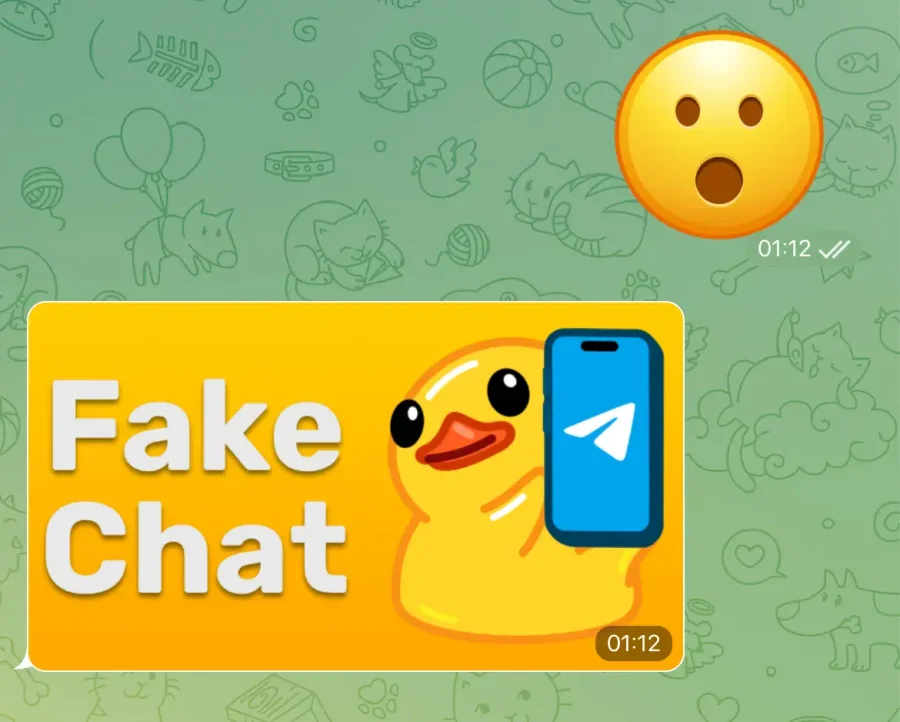
Stickers & Media Files
Attach photos, custom emojis, and native stickers. Everything matches the authentic app feel.
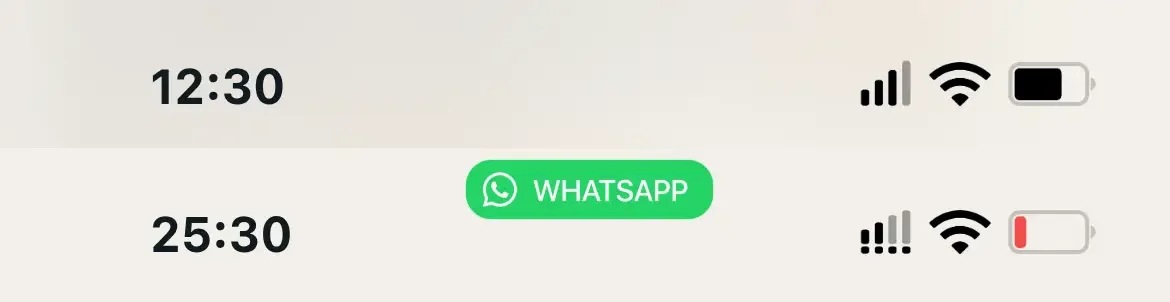
iOS System Status Bar
Customize clock time, battery level, Wi-Fi signal, and mobile network indicators for iPhone.
Precise Typography & Fonts
Powered by native SF Pro Text system fonts. Fine-tune font sizes, line height, and text weight.
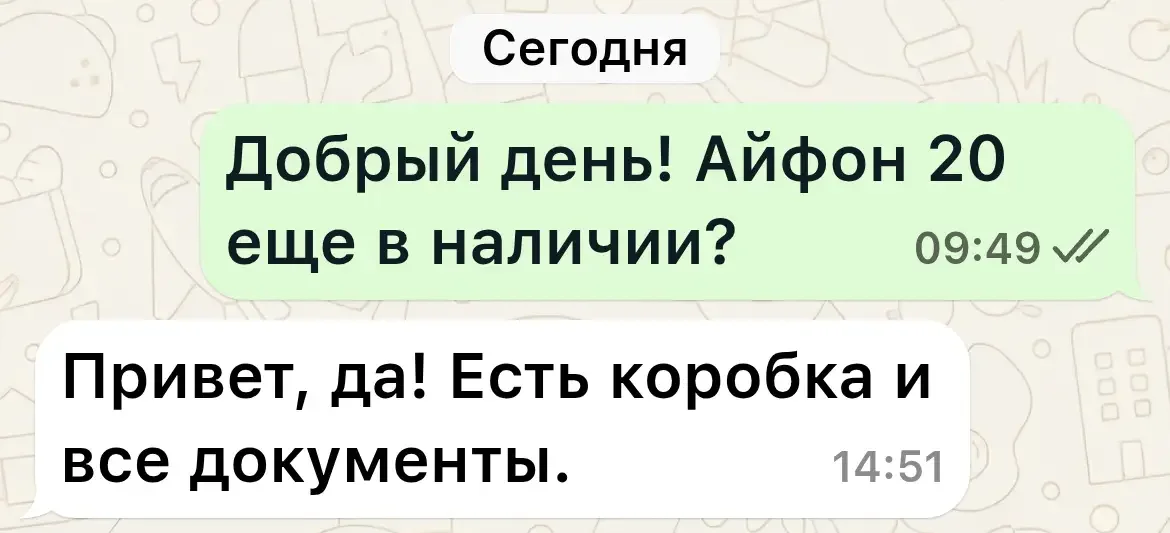
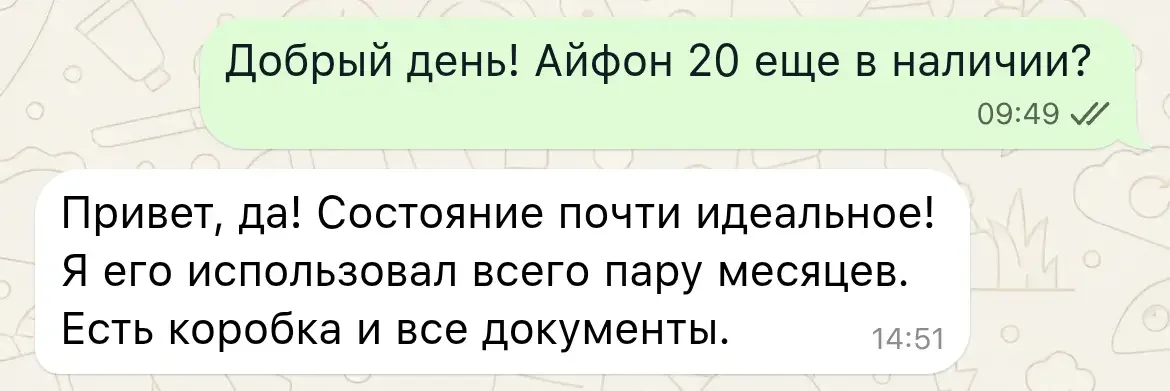
Timestamps & Delivery Status
Set precise message send times, dates, and manage sent/delivered/read status indicators.
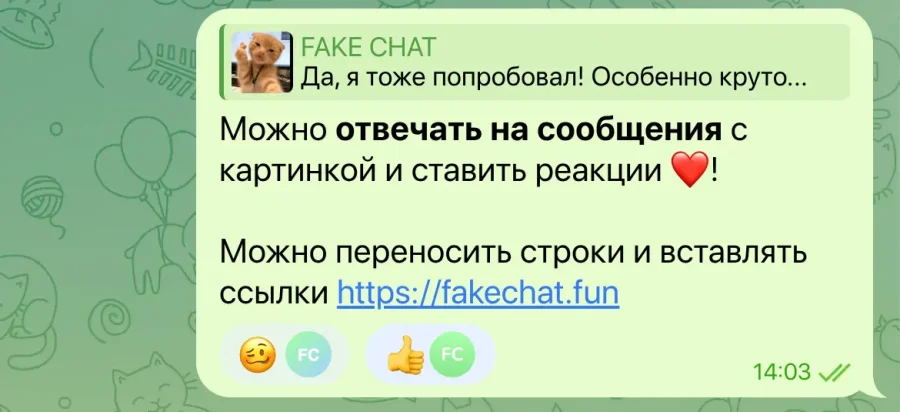
Text Formatting & Emoji Reactions
Attach quick emoji reactions to any text bubble. Use rich text formatting and web links.
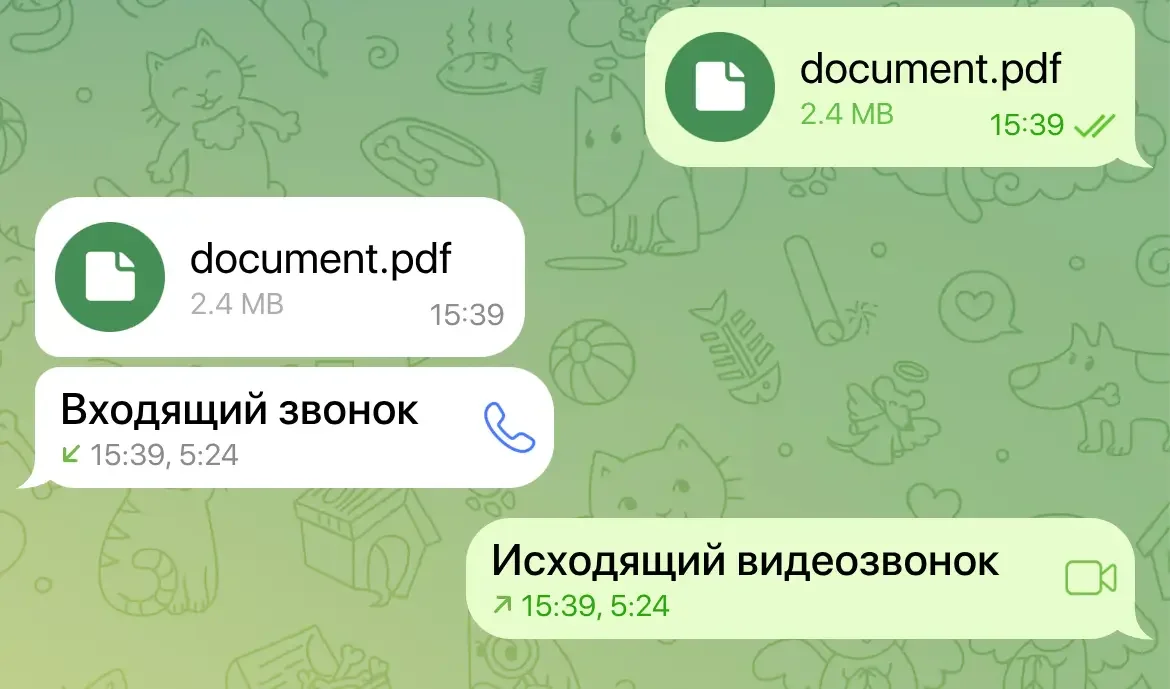
Voice Calls & File Transfer
Up-to-date layout template. All buttons and icons are positioned according to mobile UI guidelines.
Modern UI Component Specs
Always updated messenger templates. Replies, media previews, and footers aligned pixel by pixel.
Instant Live Editor
Edit text and settings in real time right inside your browser with zero Photoshop skills required.
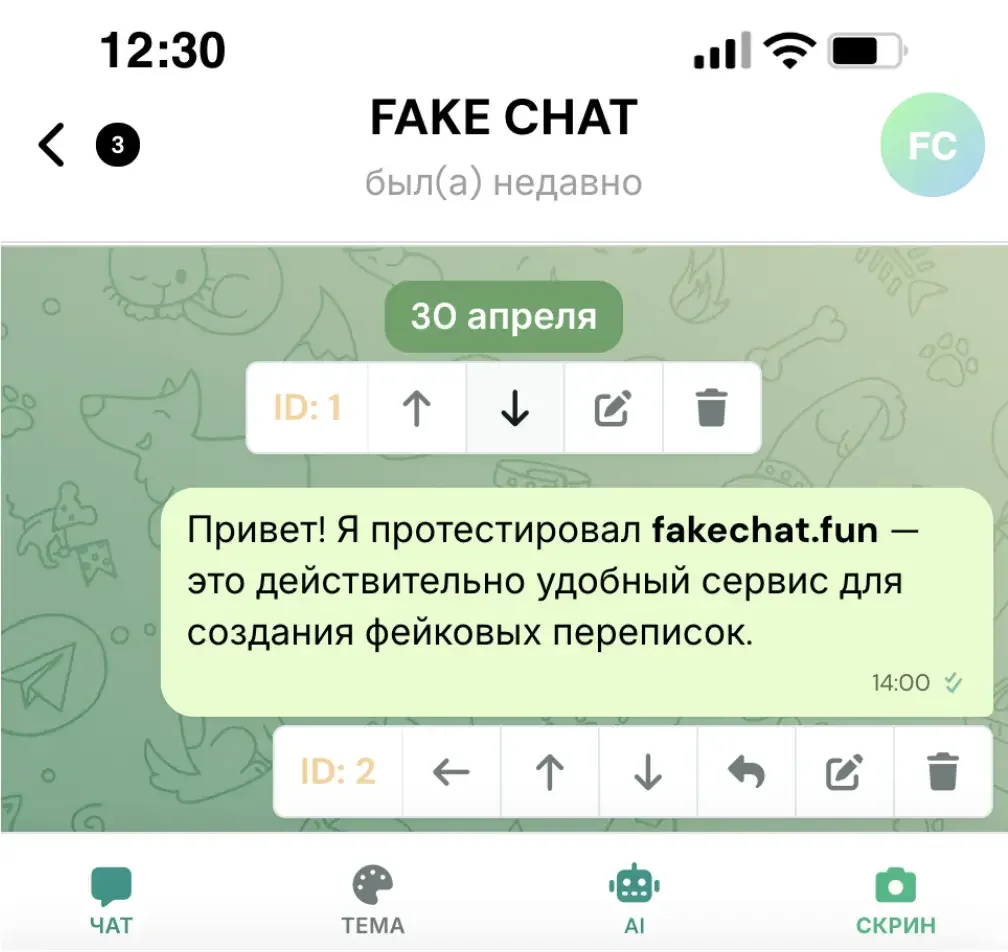
Custom Chat Dates
Insert custom date headers anywhere along the conversation thread effortlessly.
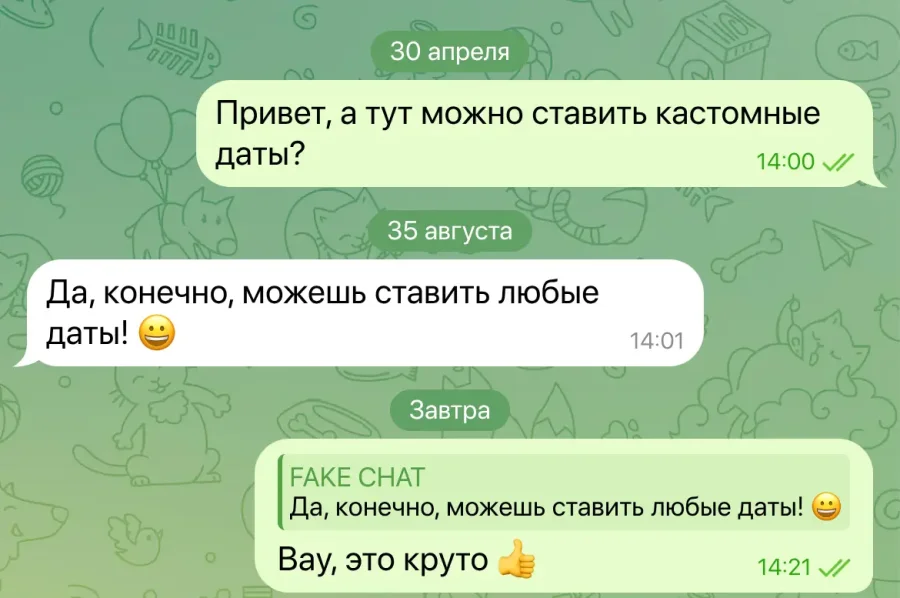
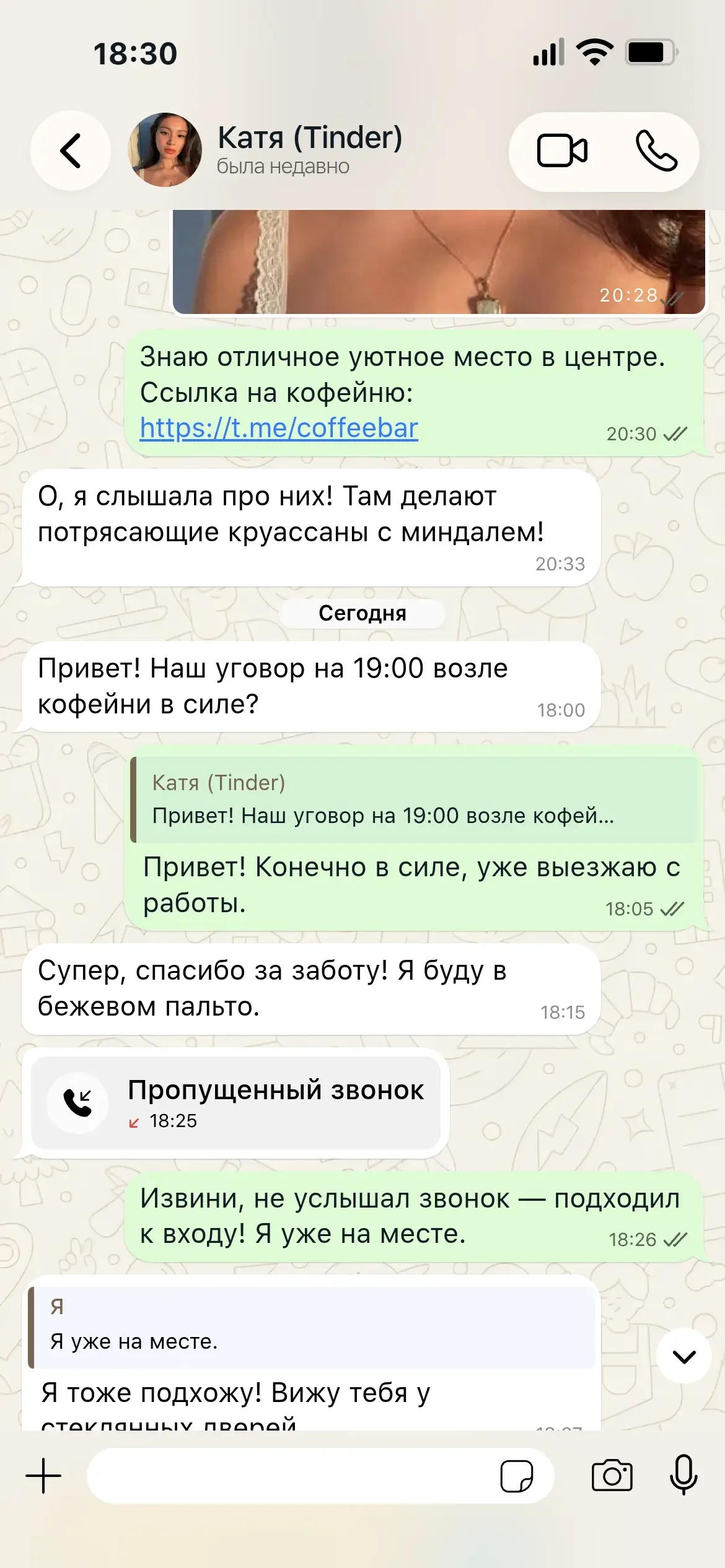
See how authentic chats created with our online generator look
Compare FakeChat.fun capabilities against simple Telegram bots and graphic design software
Basic generators and Telegram bots rely on outdated layout templates, produce blurry text, and stamp giant watermarks.
FakeChat.fun recreates official Telegram and WhatsApp mobile interfaces pixel by pixel.
Choose a messenger, set up chat details, and get your realistic screenshot in seconds.
Flexible options for generating fake chats — from individual screenshots to full monthly passes.




Real feedback from creators using FakeChat.fun
“I use Telegram and WhatsApp templates for my social video clips. The conversation quality is top-notch — nobody can spot the difference from real screenshots!”
“The most realistic fake chat generator available online. Fast, versatile, with tons of granular settings. Our marketing team relies on it daily.”
“We build customer chat feedback screenshots for landing pages and ad creatives. Love the authentic dark mode and precise iPhone fonts.”
Everything you need to know about our fake conversation generator
You can generate dialogues in our online editor for free using standard options. To remove watermarks and download full HD screenshots, switch to PRO mode.
Our web tool lets you create realistic fake text conversations for Telegram and WhatsApp with instant light and dark iOS theme switching.
No, our web editor works directly in your browser. Just type your messages, upload profile pictures, and download the finished screenshot in 10 seconds.
We focus on ultra-realistic, high-resolution outputs (1170×2532 px). Features include Telegram Premium options, double read ticks, and a dedicated Telegram bot.
Yes, our generator fully supports native Dark Mode along with classic Light themes for all supported messenger layouts.
Right after completing payment, an activation key is delivered directly to your email, granting instant access to download your HD image.
Screenshots export in high-definition PNG format (1170×2532 pixels), matching exact iPhone screen dimensions.
Yes, the generator runs locally in your browser without requiring personal account access. It is built purely for creative and entertainment uses (memes, video stories, and creative projects).
Our Telegram bot lets you create fake chat threads straight inside Telegram. Send `/start` to the bot, choose your preferred messenger, and follow the simple prompts.
Step-by-step documentation and guide for using the generator

Step-by-step guide to setting up the chat partner profile and status bar in a fake chat generator. Configure name, avatar, status, time, battery, and ...

Generate realistic fake chat dialogues in one click using AI neural networks: ready-made scenarios, custom master prompts, and AI chat continuation....

Learn how to use the screenshot scroll slider and message anchoring tool to precisely crop long fake chat conversations in our generator....

Customize your fake chat screenshot: switch between Telegram and WhatsApp, toggle dark mode, upload custom backgrounds, and adjust fonts....
Useful tutorials, tips, and ideas for creating viral content
Join 12,000+ creators building stunning content with FakeChat.fun today.