
 English
 Русский
 Deutsch
 Français
 Español
 Italiano
 Português
 Türkçe
 Čeština
 한국어
한국어
 中文
中文
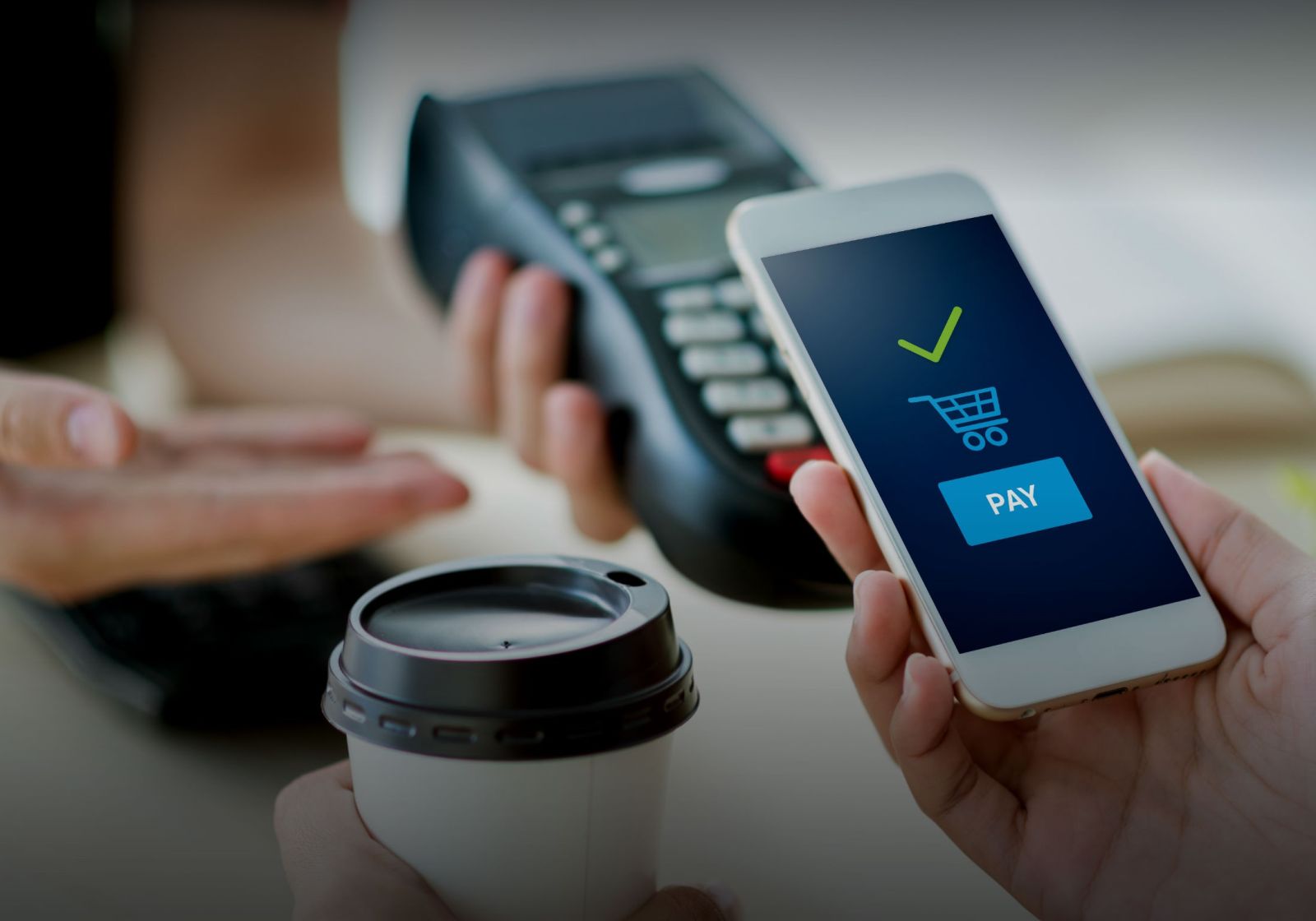
The activation key or subscription access is sent to your email automatically immediately after payment. You do not need to wait for manual confirmation by an administrator.
What Payment Gives
After purchase, the user receives a unique activation key to the email address entered during payment.
- No Watermarks: clean images without the service logo.
- High Quality (HD): screenshots in maximum resolution without artifacts.
- Priority Support: quick resolution of any questions.
How to Choose Access Format
FakeChatFun Chat Generator offers two payment formats: single keys for one-time tasks and subscriptions with unlimited generations for continuous work.
Ideal for one-time tasks. Each key activates one generation without watermarks.
Unlimited number of generations. Suitable for bloggers, marketers, and agencies.
Payment Process: 3 Simple Steps
Choose the desired tariff and click the BUY button.
Specify a valid e-mail. The activation key and receipt will be sent to this address.
After successful payment, an email with the activation key will be sent automatically to your e-mail. This usually takes 5-10 minutes. If there is no email, check the SPAM folder.
How to Activate Access
Activation Instructions:
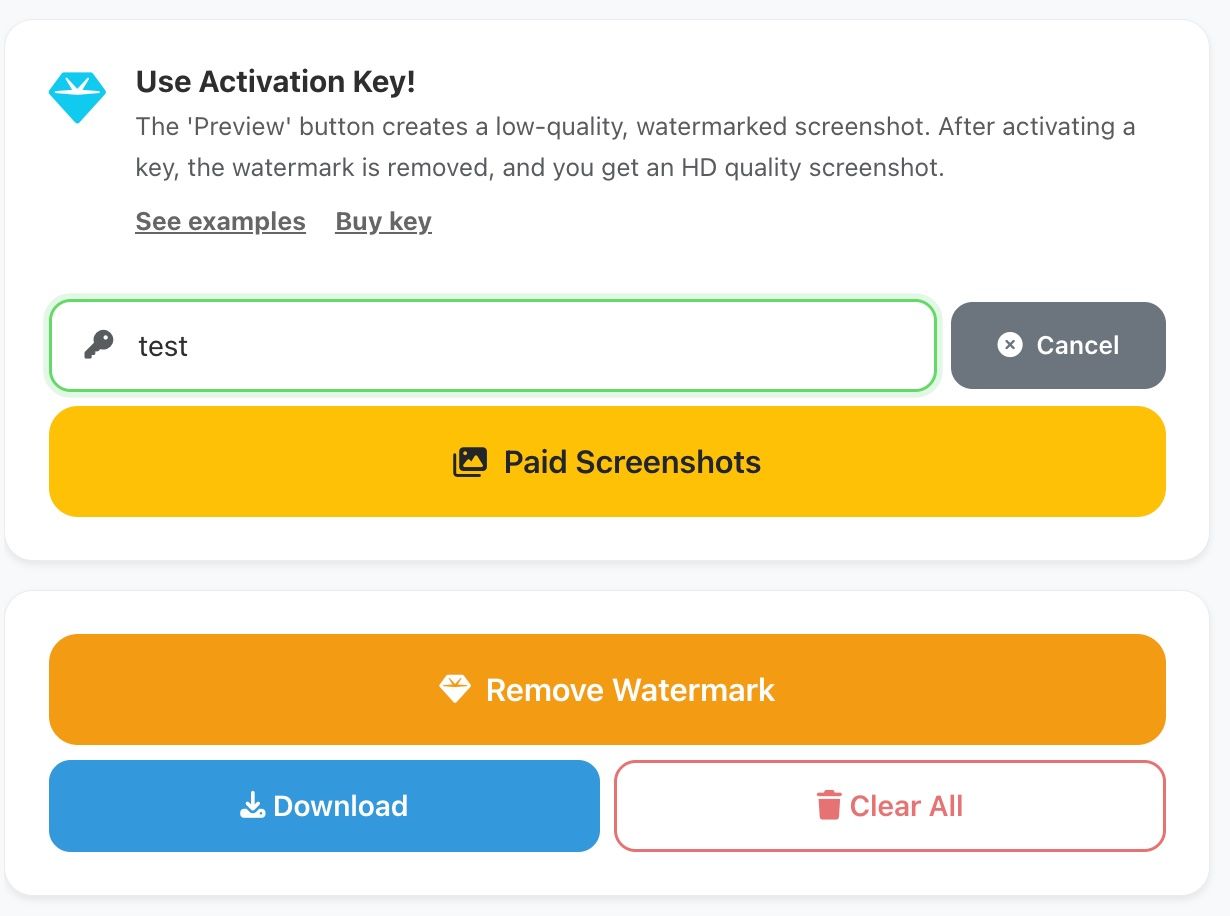
Go to the chat creation interface.
For the activation key or subscription authorization.
Copy the code from the email and paste it.
The generator will instantly switch to Premium mode.
Purchase an activation key and start working right now!