
Telegram
Fake Telegram Chat: Premium, Reactions, Video Notes, and Voice Messages
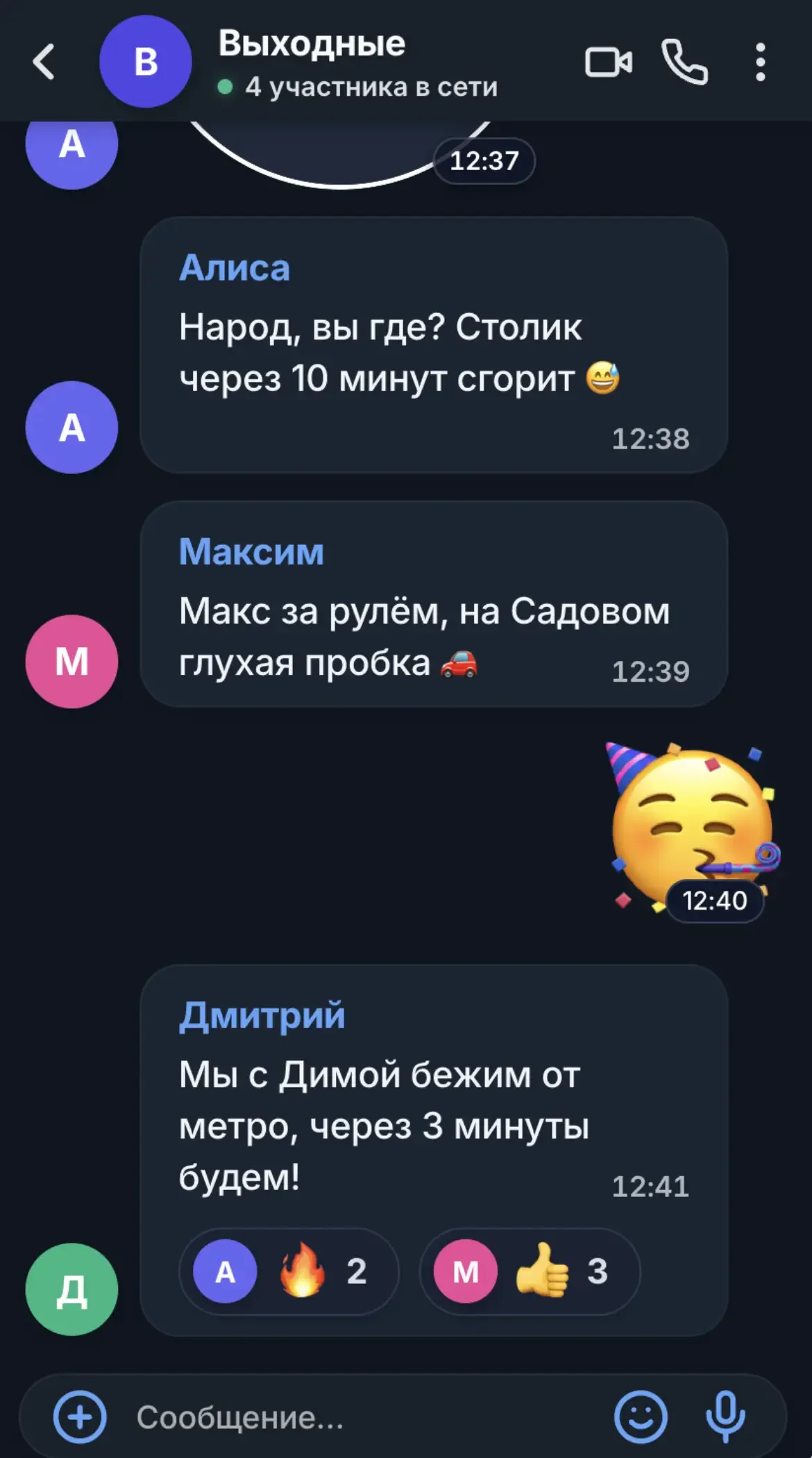
Create videos from fictional one-to-one and group conversations. Customize participants, messages, and chat styling to prepare a video for TikTok, Reels, Shorts, or YouTube.
* Telegram и Meta Platforms Inc. признаны экстремистскими организациями, деятельность которых запрещена на территории Российской Федерации.
Explore examples of horror stories, romantic conversations, and other chat-based story ideas. Then create your own video with the generator.
Write a scenario, customize the conversation, and choose a style for your video.
Choose an aspect ratio that suits your platform: vertical 9:16, square 1:1, or horizontal 16:9, if available in the editor. Check the export settings before publishing.
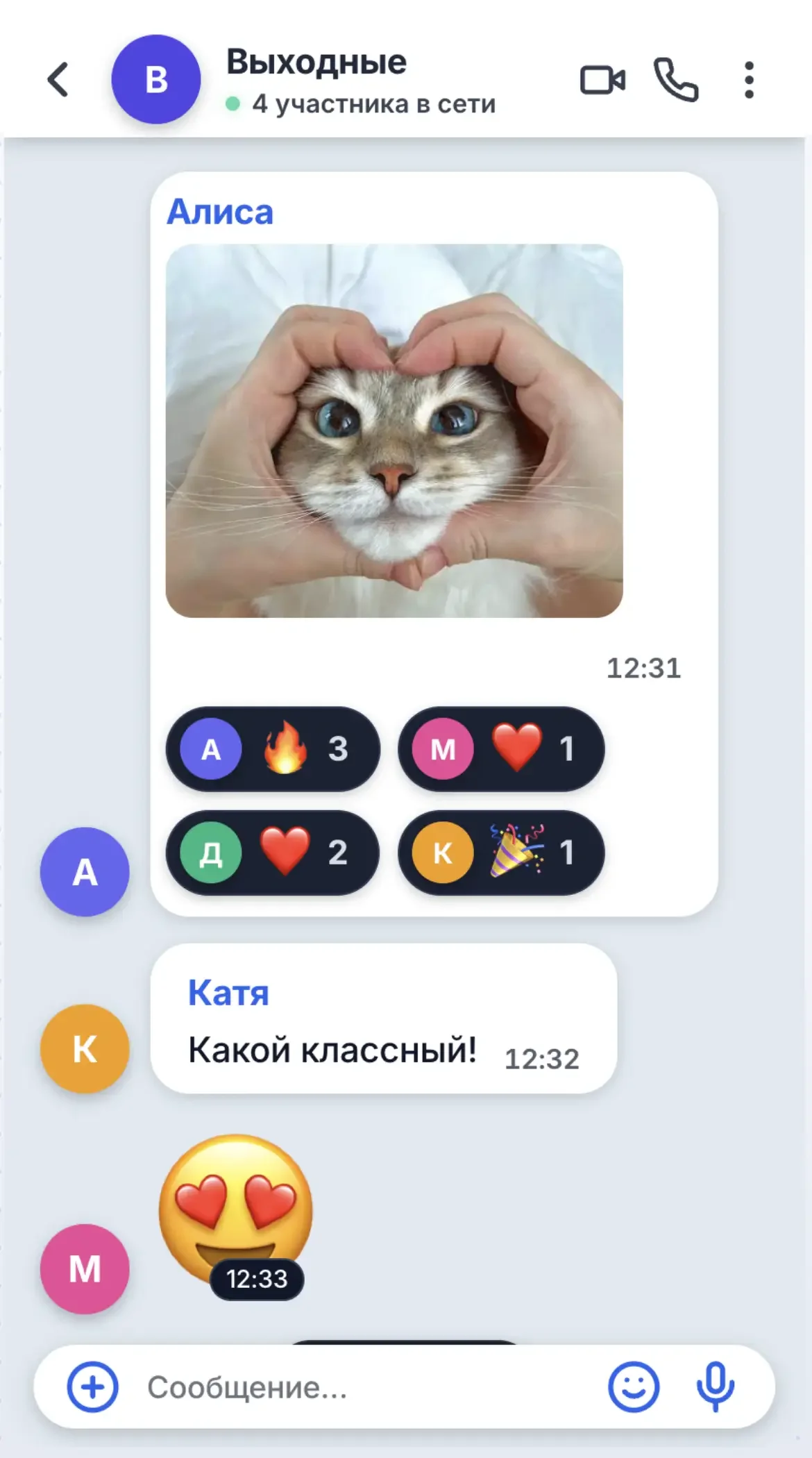
Create fictional conversations with multiple characters for stories, family scenes, comedy, and plot twists.
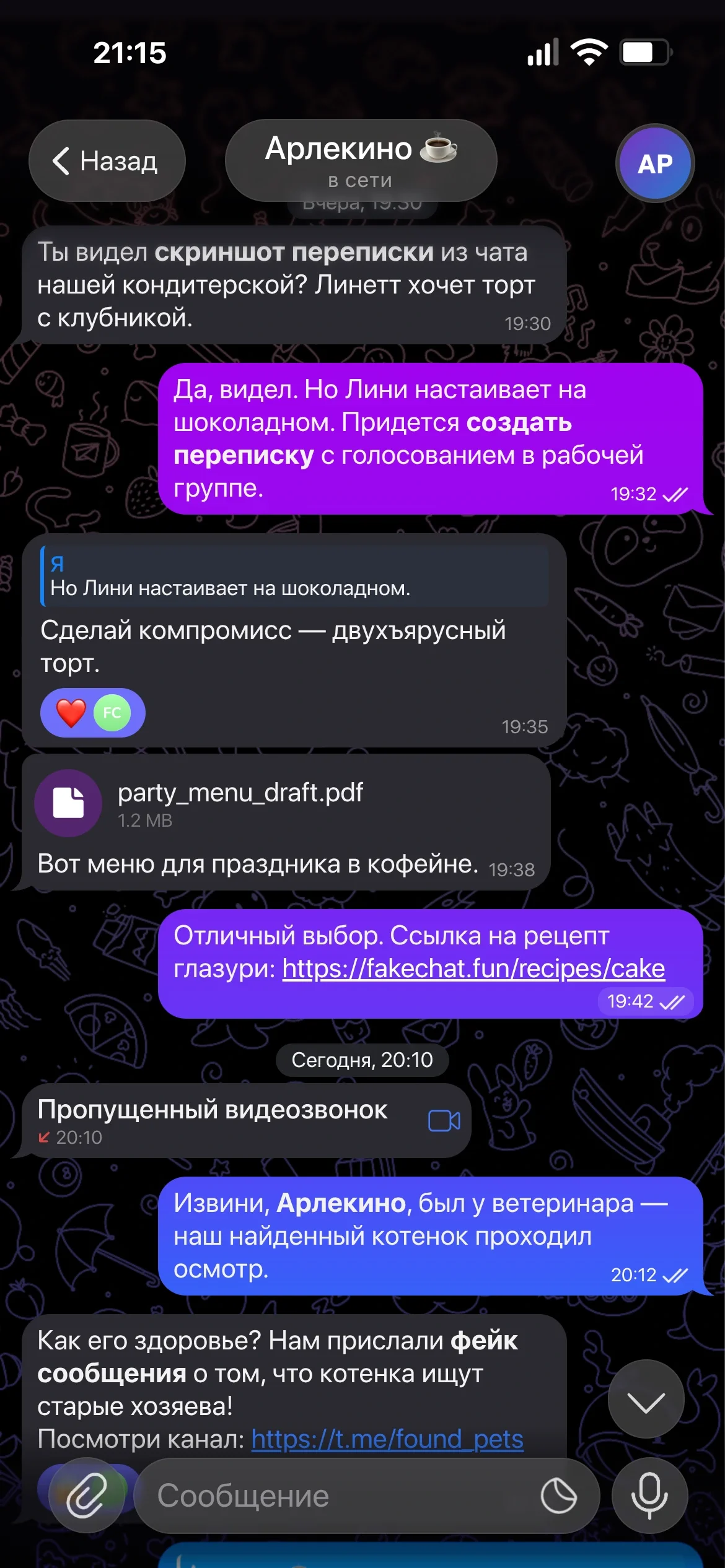
If supported in your selected mode, adjust typing animation, pauses, and notification sounds to make the story unfold naturally.
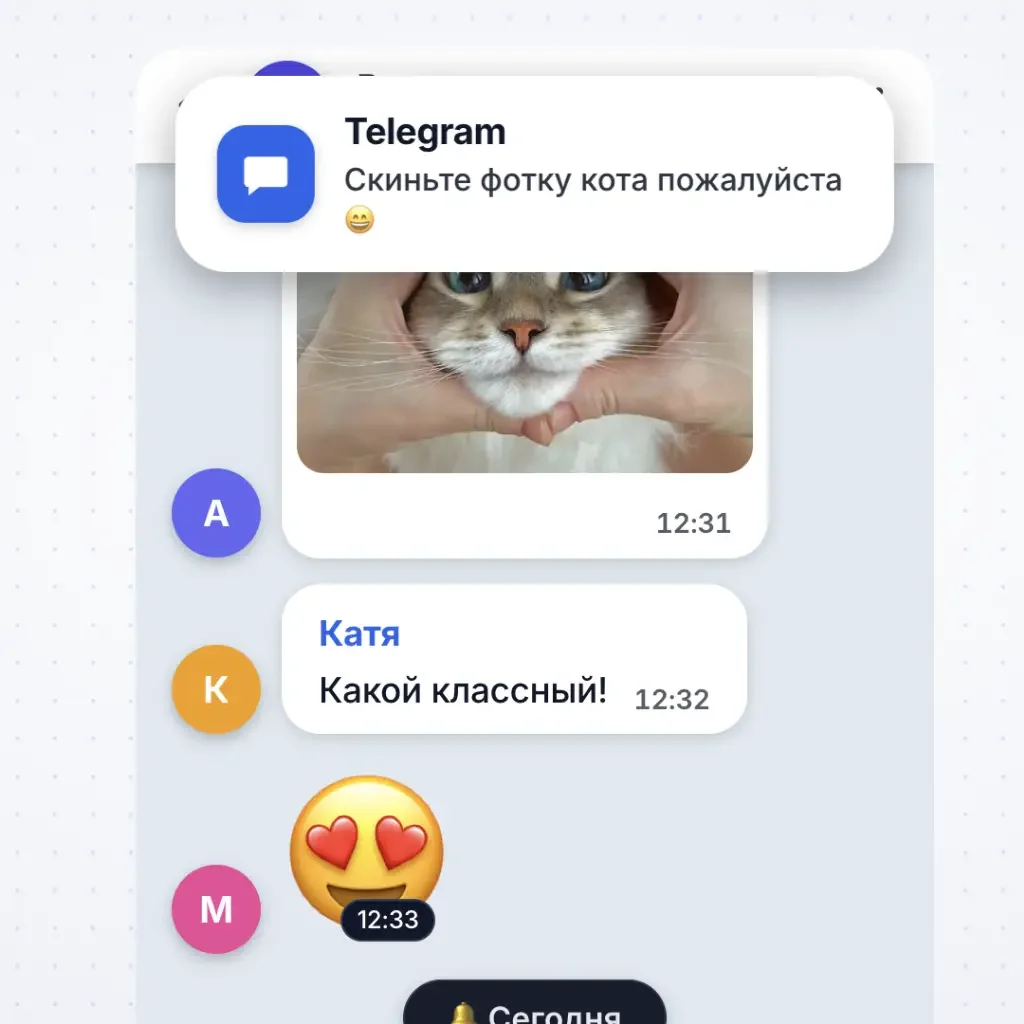
Write the conversation, customize the chat appearance, and review the export settings.
Add participants and messages, and set names and avatars. Use your own script or an available template.
Choose an available theme and background, adjust message timing, and select a video format for your platform.
Preview the result and choose from the available export options. Formats and limits depend on the editor and your plan.
Customize participants, conversation content, and styling to fit your story.
Create fictional one-to-one conversations or chats with multiple participants. You control the characters and dialogue.
Choose an available theme and customize the chat's appearance to suit your scenario.
Use the message types supported by the editor to add variety and make your story more expressive.
Add photos and images to messages to enrich your conversations with visual details.
Add supported notifications and system events when they fit your story.
Add reactions to messages and convey emotions with familiar emoji, when supported by the editor.
Use the available aspect ratios for vertical clips, square videos, or widescreen content.
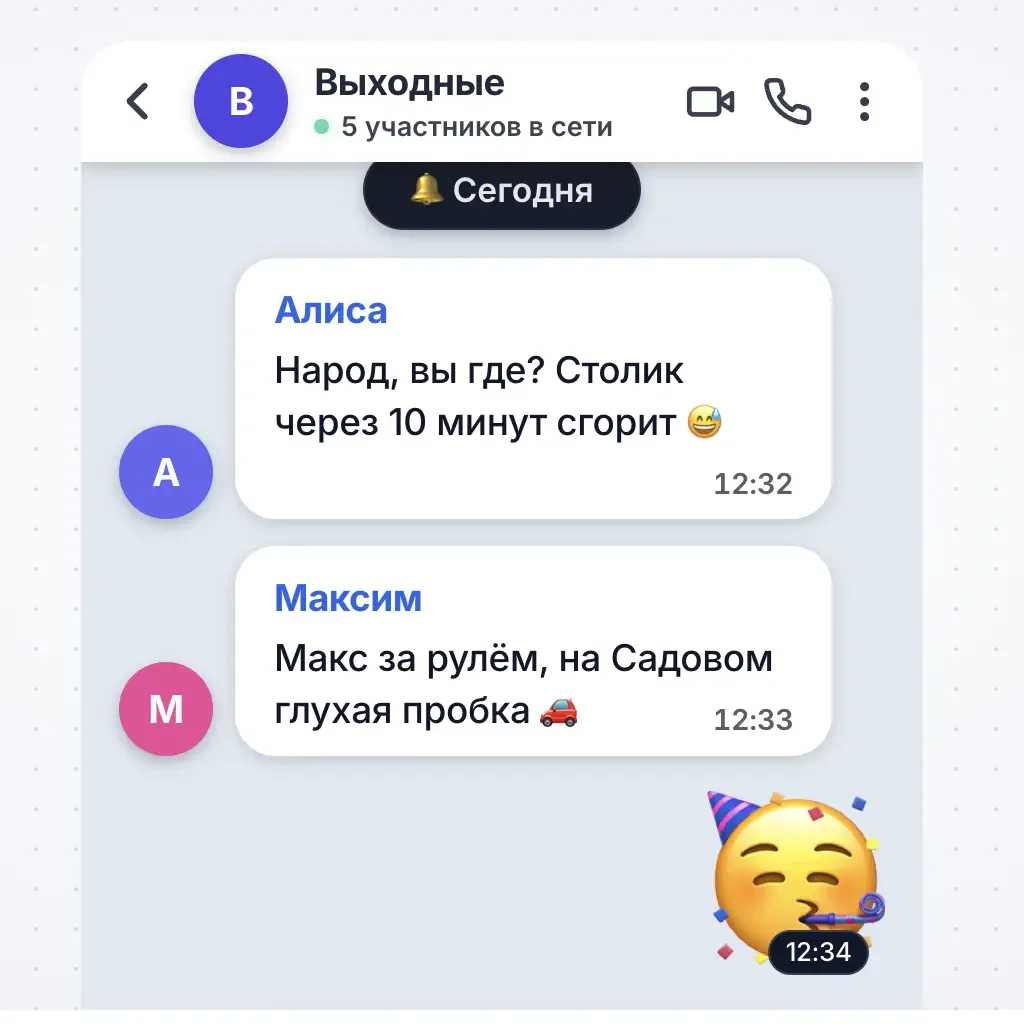
Open the editor, write a fictional conversation, and customize the video for your scenario.
Build a conversation in the editor or create a clip manually with screen recording and video editing.
You may need to arrange the scene, manage the recording, and edit the result separately.
Build a fictional conversation in the editor and customize it for video.
Choose a one-time video export or access for creating videos regularly.





What to know before creating and exporting your video.
Available styles and customization options are shown in the editor. Choose an option and check which settings it supports.
Yes, if group mode is available in the editor. Add participants, set names and avatars, write the conversation, and customize its appearance.
You can build the chat in the FakeChatFun editor. Before exporting, check the available options and limits for your plan.
Instead of recording a real device screen, you build a fictional conversation in the editor and control its content and appearance.
Access instructions are shown on the payment page and in your purchase email. Contact support if access does not appear.
Available formats and resolution are shown in the editor and depend on the service and your plan.
Use it for fictional conversations, entertaining stories, memes, and other creative content. Do not present staged chats as authentic messages from real people.
If iMessage styling is available in the editor, select it and customize your conversation. Check the generator for the currently supported styles and features.
If an AI assistant is available in your editor mode, describe the situation and characters, then review and edit the suggested text before creating your video.
Guides and Content Ideas

Step-by-step guide to setting up the chat partner profile and status bar in a fake chat generator. Configure name, avatar, status, time, battery, and ...

Generate realistic fake chat dialogues in one click using AI neural networks: ready-made scenarios, custom master prompts, and AI chat continuation....

Learn how to use the screenshot scroll slider and message anchoring tool to precisely crop long fake chat conversations in our generator....

Customize your fake chat screenshot: switch between Telegram and WhatsApp, toggle dark mode, upload custom backgrounds, and adjust fonts....
Learn how to make chat videos, develop a story, and prepare clips for social media.
Visit the page for your preferred messenger to learn about available features.
Fake Telegram Chat: Premium, Reactions, Video Notes, and Voice Messages
Fake WhatsApp Chat: Read Receipts, Voice Messages, Wallpapers, and Dark Mode
Create a fictional conversation, choose a style, and prepare your video for publishing.