Telegram Premium & Profile
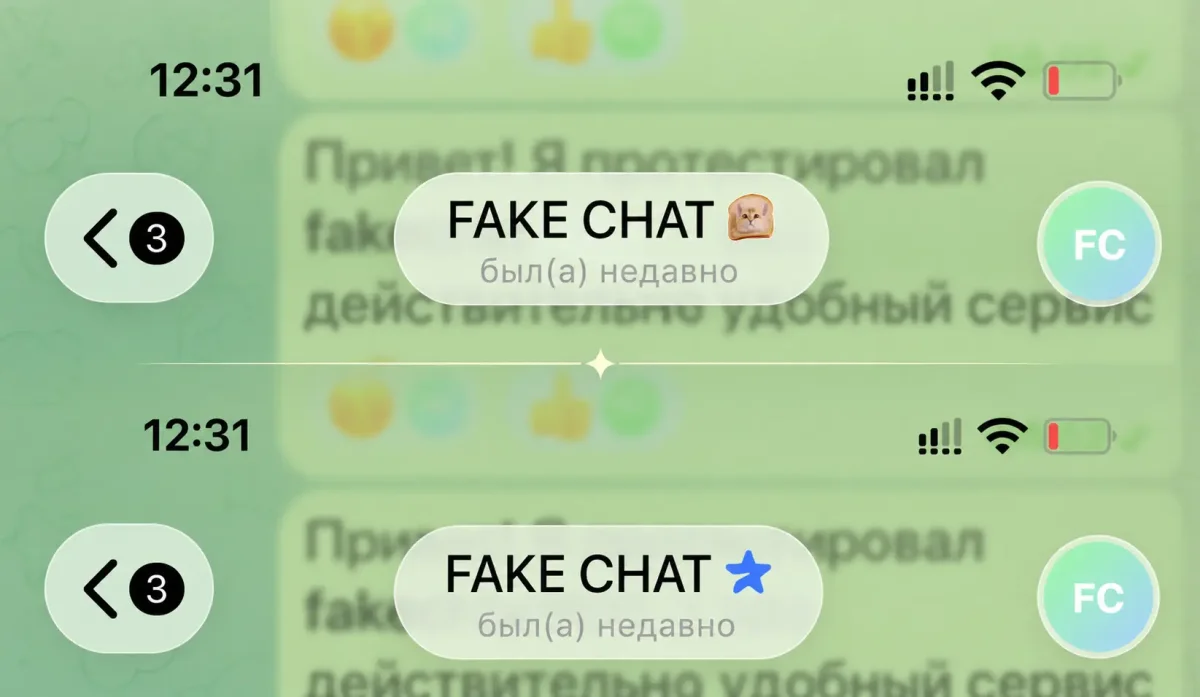
Add verification badges and Premium stars. Change avatars, edit unread chat counters, and set any status: "online", "last seen recently", or "last seen a long time ago".
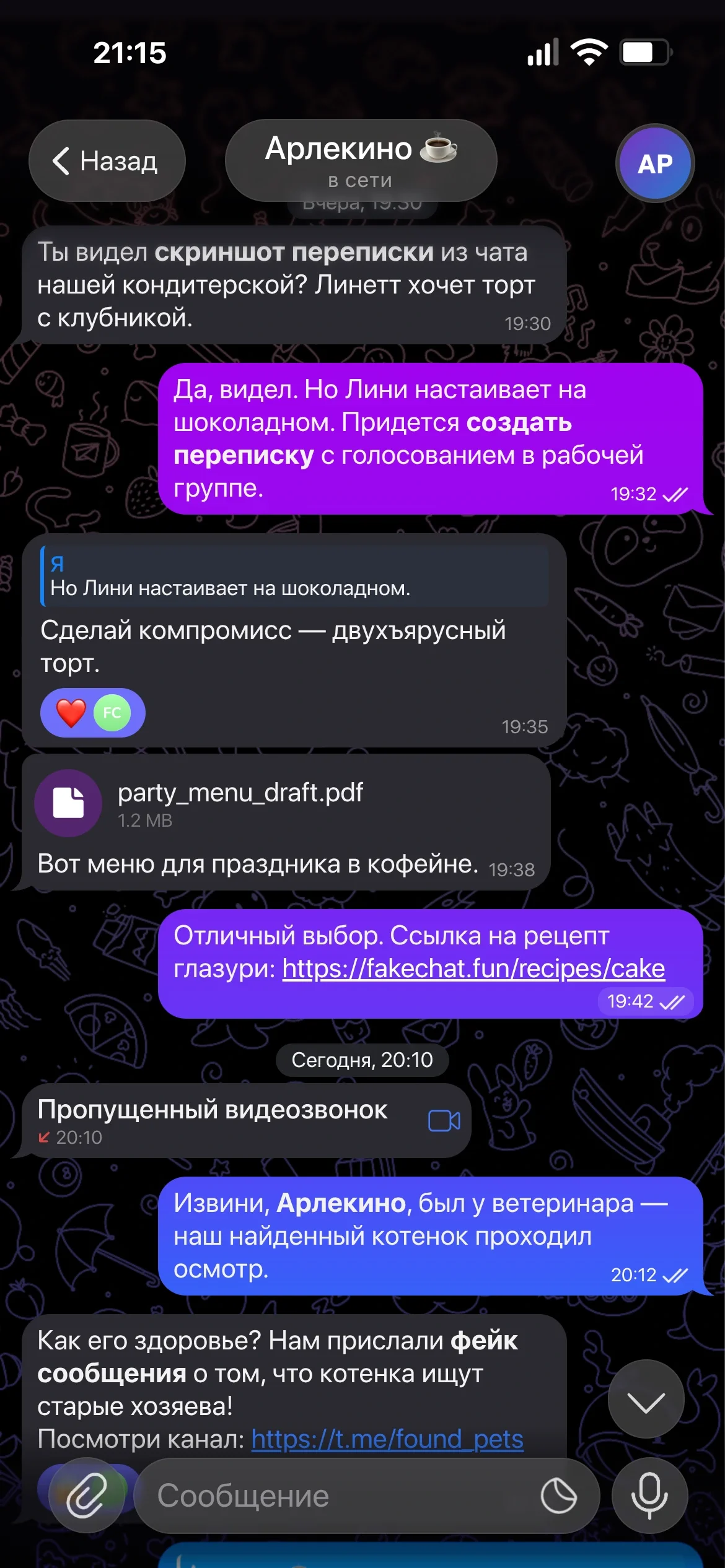
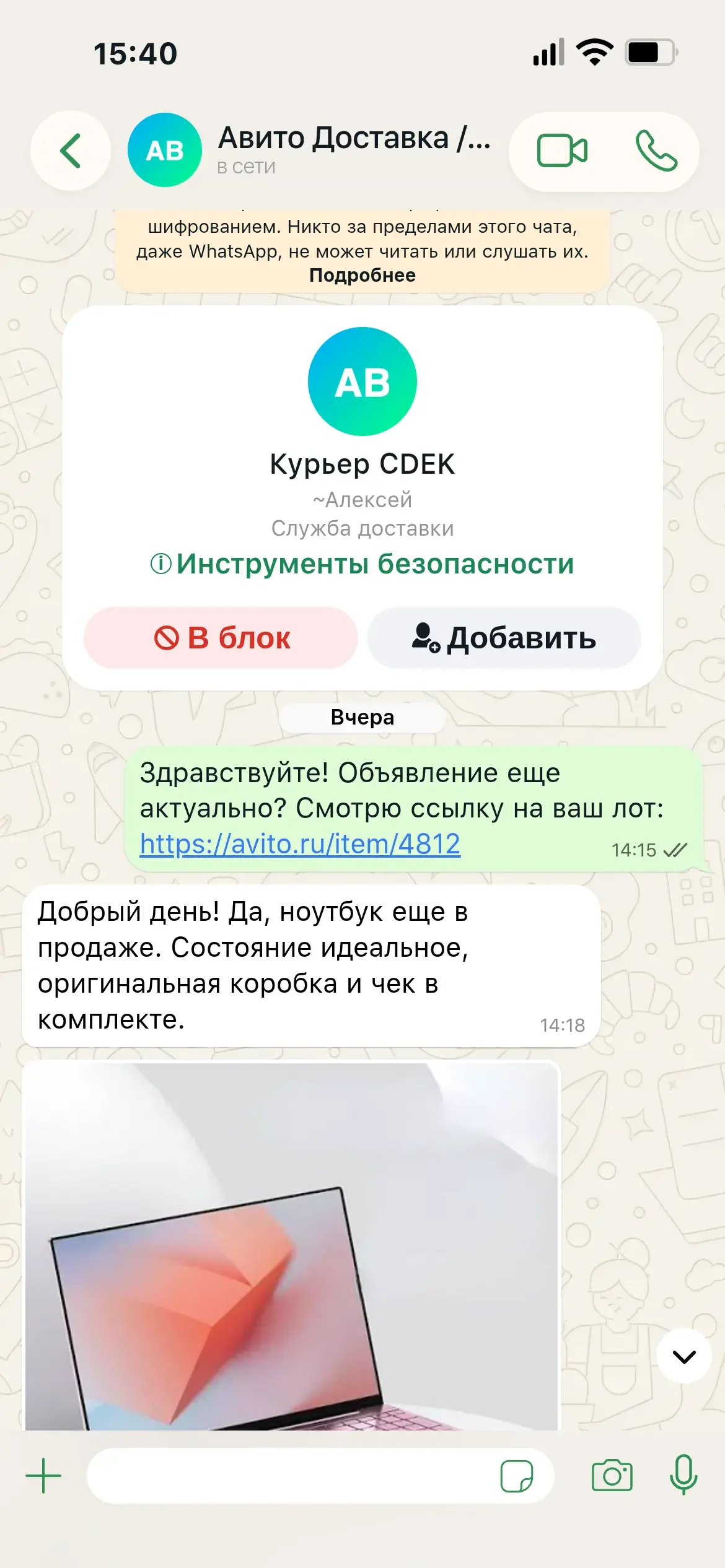
Realistic online Telegram chat simulator: create fake conversations, customize statuses, reactions, native iOS interface, and Telegram Premium in seconds.
Based on 12,400+ generated Telegram screenshots
Simple workflow in our online editor
Set the contact name, upload an avatar, and select status ("online", "typing...").
Add incoming and outgoing messages, adjust send times, read receipts, and reactions.
Click "Generate" to export your pixel-perfect conversation screenshot.
Telegram Premium & Profile
Add verification badges and Premium stars. Change avatars, edit unread chat counters, and set any status: "online", "last seen recently", or "last seen a long time ago".
Dark & Light Themes
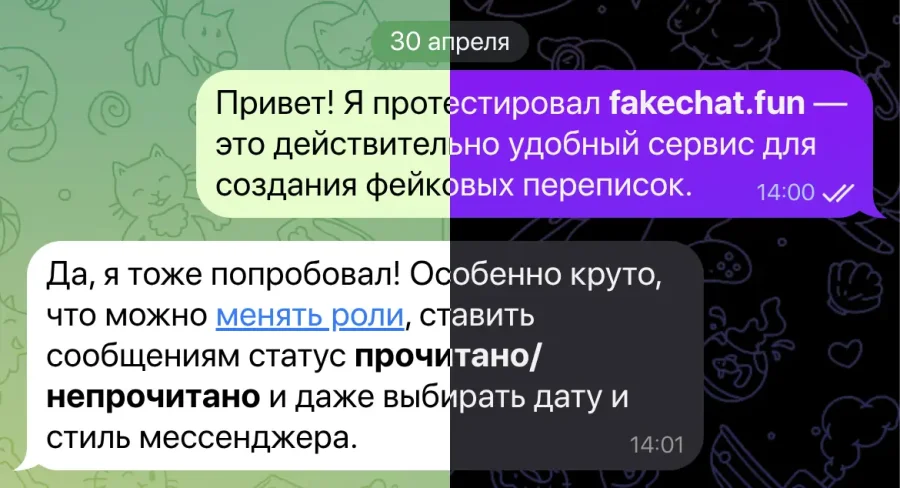
Toggle seamlessly between native iOS Dark Mode and clean Light Mode themes.
Timestamps & Delivery Status
Set exact send times for each message and manage read receipts: single tick or double blue ticks.
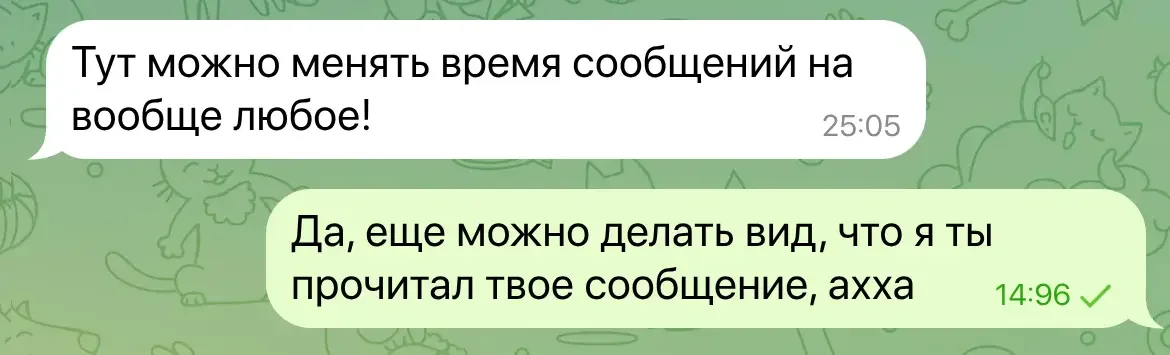
Custom Chat Wallpapers
Use official Telegram wallpaper patterns or upload your own custom background image.
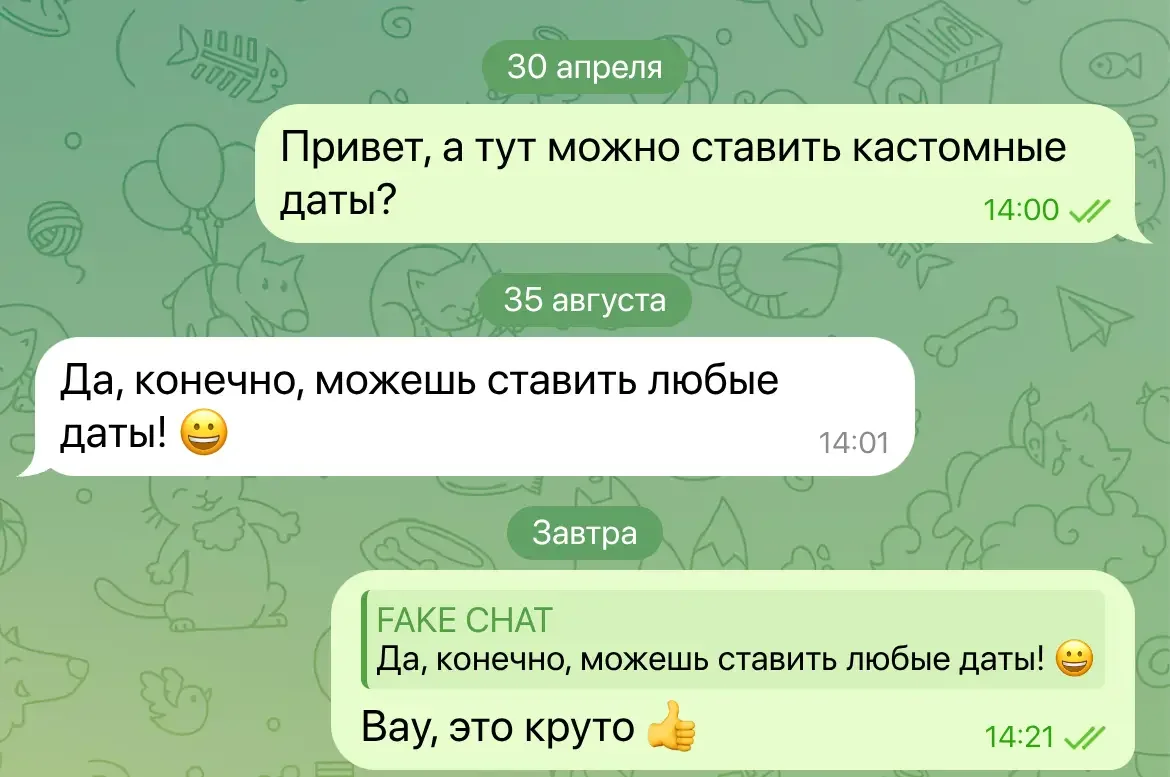
Custom Dates
Insert custom date headers anywhere in the chat timeline with total ease.
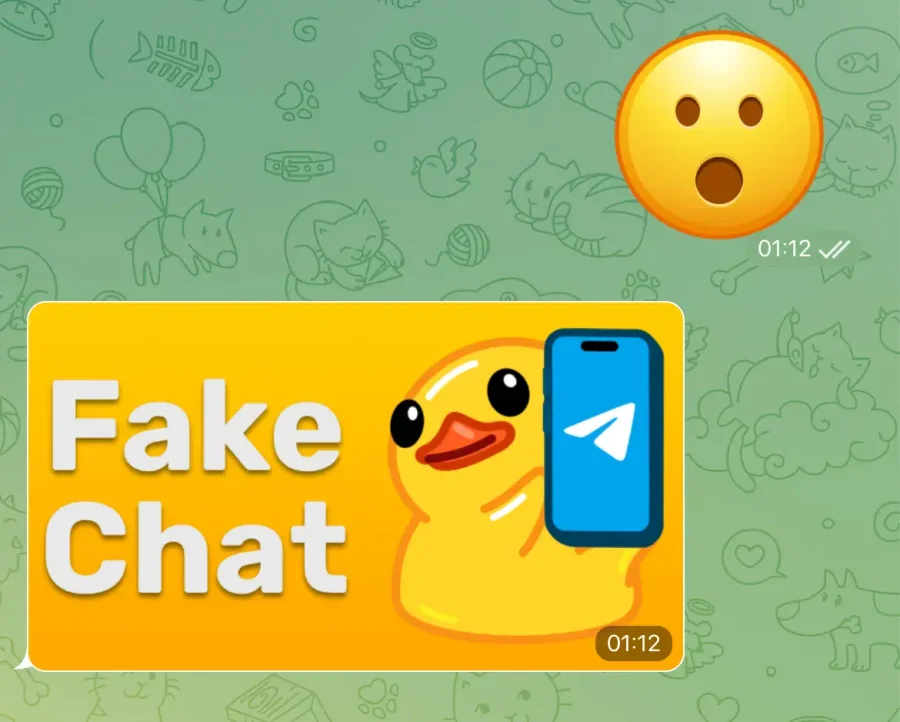
Stickers & Images
Insert custom images and stickers into your conversation. Looks identical to the real app!
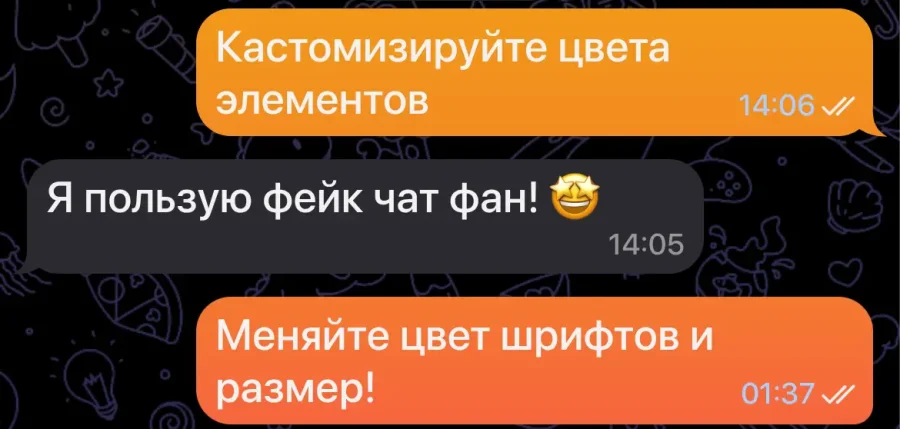
Colors & Typography
Customize text bubble colors, apply native gradients, and adjust font sizes and weights.
System Status Bar
Configure clock, battery level, Wi-Fi, and cellular network icons. Toggle Dynamic Island overlay on or off.

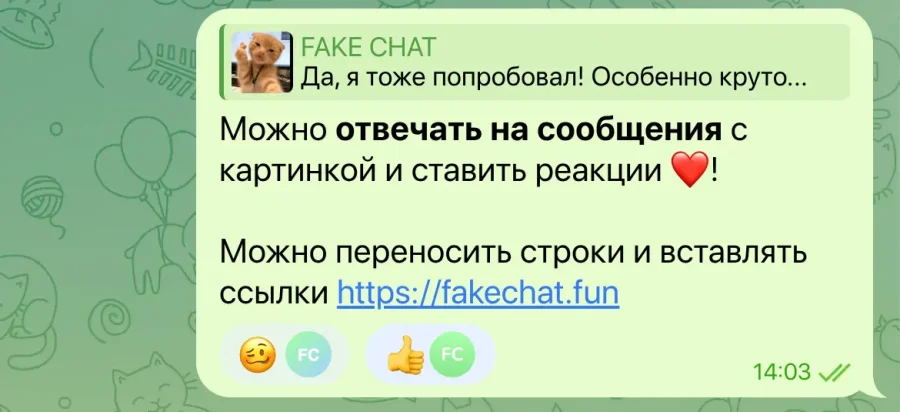
Messages & Emoji Reactions
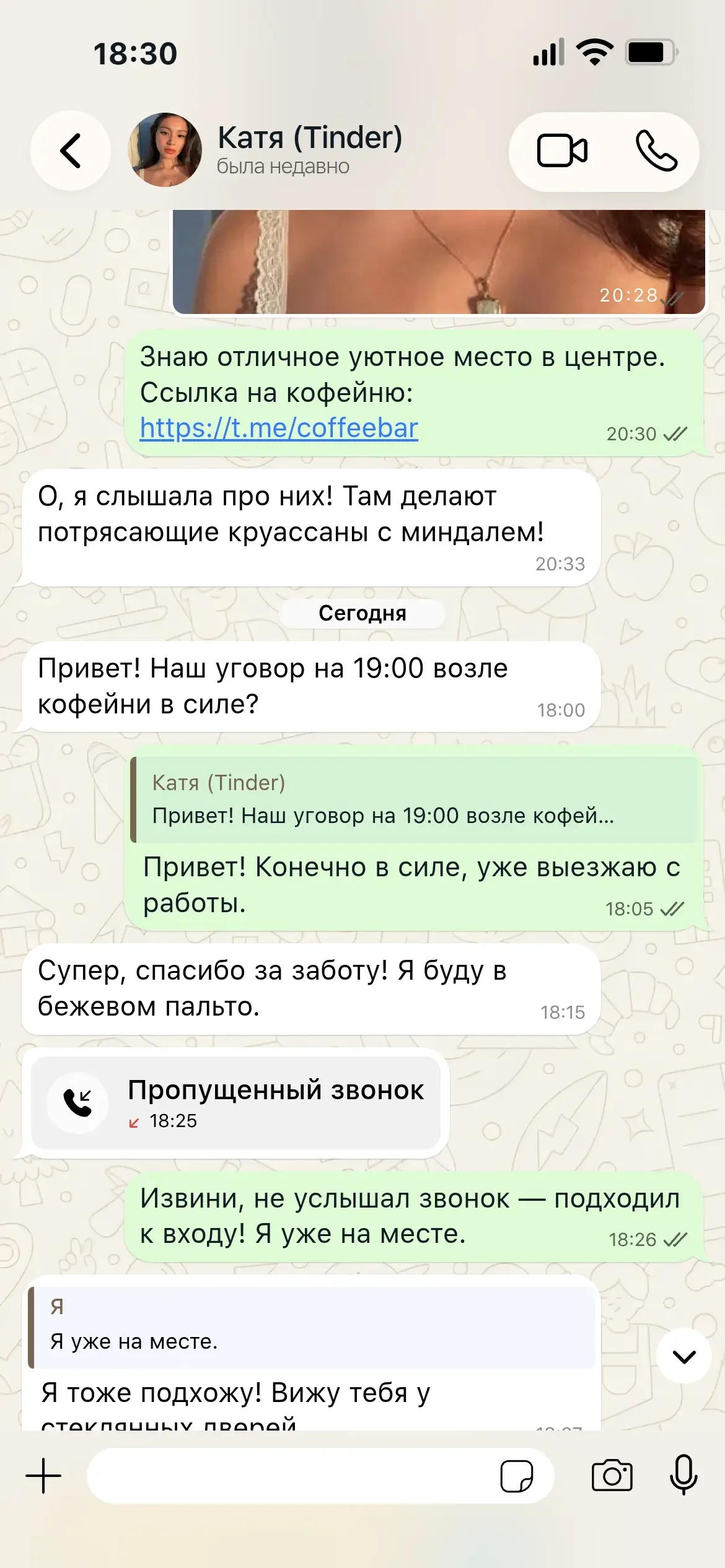
Full bubble customization: add custom emojis, reply to messages, attach links, format bold text, and add emoji reactions!
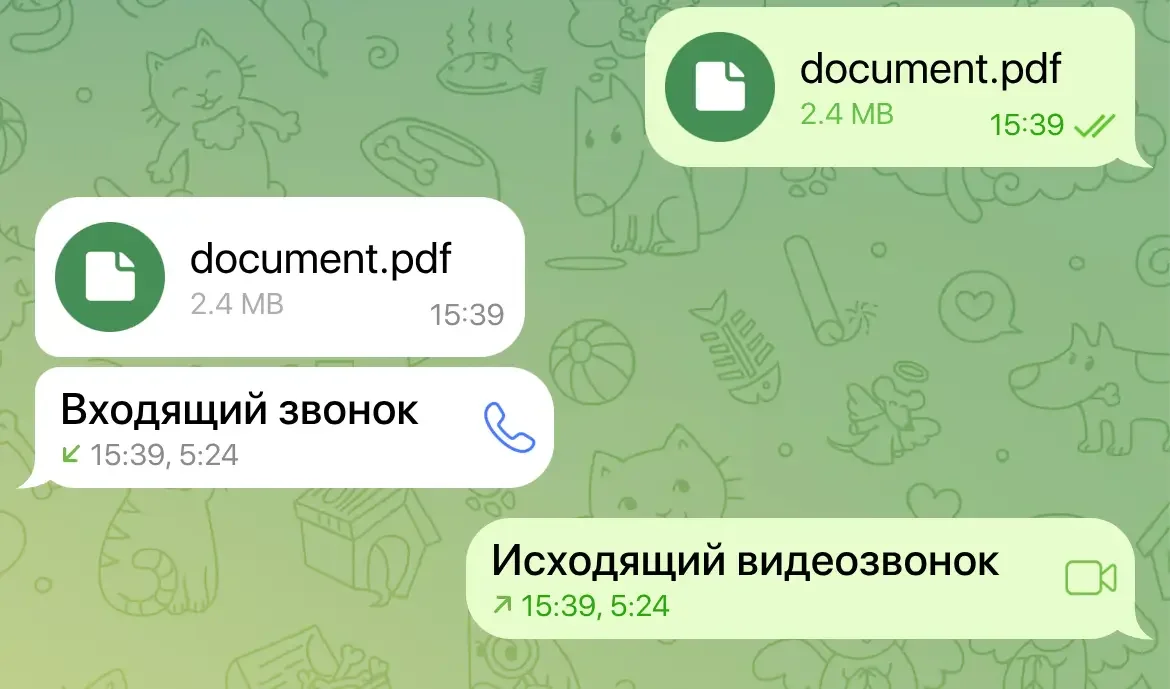
Calls & File Transfers
Attach files with custom sizes and icons. Simulate incoming and outgoing audio or video call cards.
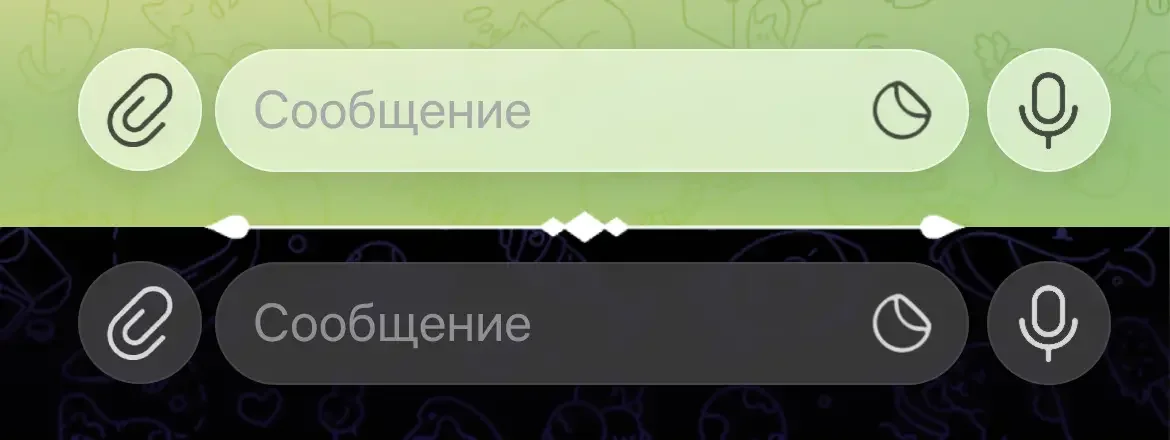
Modern Component Design
Always updated Telegram layout templates following official mobile UI design guidelines.
Intuitive Generator
Engineered for speed, ease of use, and instant screenshot generation.
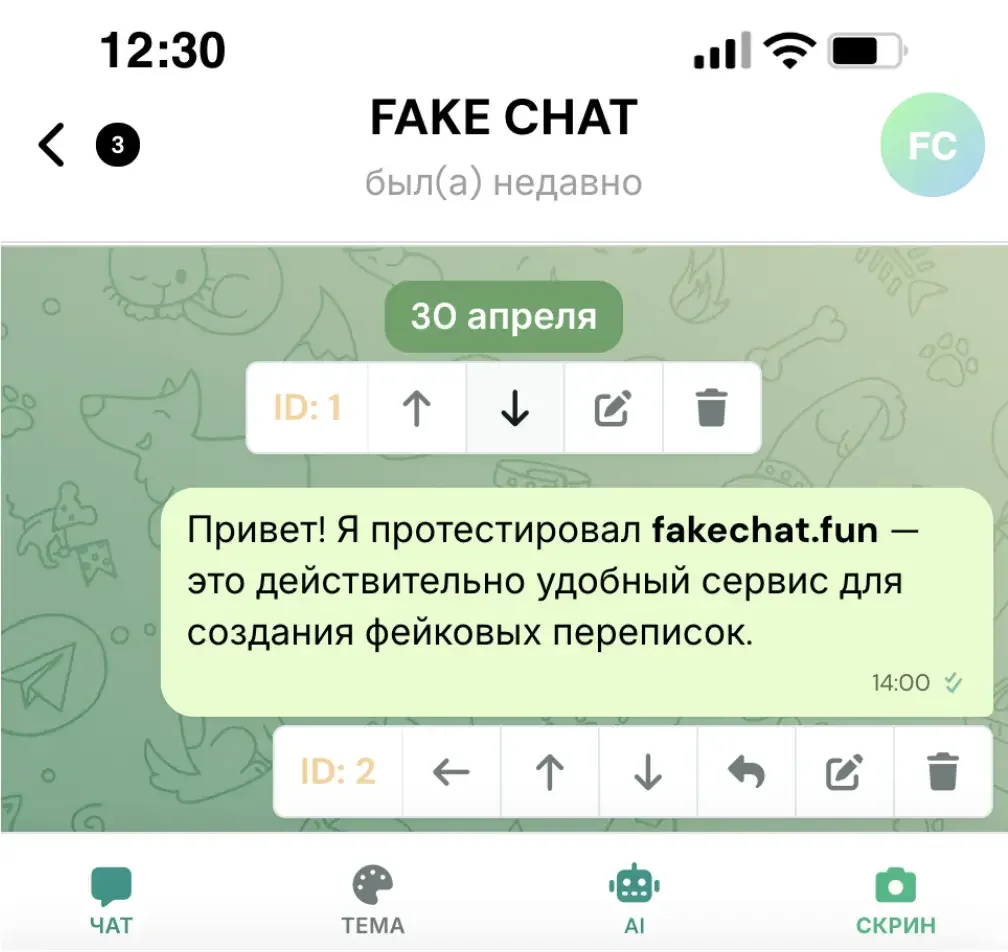
Discover how realistic fake Telegram chats look when created in our online editor
Compare FakeChat.fun features against third-party Telegram bots and Photoshop tools
Basic Telegram bots distort native fonts, overlay large advertisements, and offer limited customization.
FakeChat.fun delivers 100% pixel-perfect accuracy matching official Telegram iOS and Android apps.
Switch to our intuitive editor and build your fake dialogue in seconds.
Telegram Bot Integration
Generate screenshots directly in your browser or conveniently via our official Telegram bot
No Registration Required
No account creation needed to use our generator — start creating fake chats immediately.
What creators making Telegram chat screenshots say about FakeChat.fun
“We create chat screenshots for our channel in seconds. Visual quality is outstanding, with fonts and gradients identical to native Telegram. The Premium badge feature is a lifesaver!”
“I script video storylines in minutes! I used to spend 30 minutes in Photoshop, but now I build Telegram chats right in my browser with reactions and dark mode. My video views exploded!”
“Excellent Telegram conversation simulator. Our agency uses it for ad creatives and memes. Love the 'typing...' status control and precise timestamps.”
Create screenshots for free or unlock powerful PRO features

Answers to common questions about generating Telegram screenshots
You can generate chats for free using standard generator features. To remove watermarks and export in full HD quality, PRO plans are available. Access the generator via the header button.
Video note circles and voice note generation are currently in development and will roll out in upcoming editor updates! Currently, you can insert standard videos, audio files, stickers, pictures, and call cards.
We create ultra-realistic screenshots matching high-definition iPhone display standards (1170×2532). Our editor features full Telegram UI customization, Telegram Premium badges, and a Telegram bot.
Yes! The generator supports both Light theme and native Telegram Dark Mode. You can toggle between themes in a single click.
Instantly after payment, an activation key is sent to your email to unlock immediate download access for your generated screenshot.
Screenshots are saved as PNG files at 1170×2532 pixel resolution. Dimensions and file proportions match native mobile device screenshots.
We accept major cryptocurrencies including Bitcoin (BTC), BNB, Ethereum (ETH), Tether (USDT), and TRX.
Yes, our tool works online directly in your browser and requires no personal account details. Please note that the generator is built strictly for creative and entertainment uses (memes, stories, pranks, and video scripts).
Our Telegram bot lets you generate fake screenshots right inside Telegram. Send `/start` to the bot, choose your chat style, and follow the simple prompts.
Yes! Enable the 'Premium' checkbox in contact settings. A blue Premium subscription badge will instantly appear next to the contact name.
Select your desired status in the contact settings panel. The header text on your preview screenshot will update instantly.
Yes! You can use the default Telegram background pattern or upload your own custom image file.
Most Telegram bots distort native fonts and apply heavy watermarks. Our online generator offers 100% pixel-perfect accuracy matching current Telegram mobile layouts.
Watermarks are automatically removed when activating a PRO tariff key, giving you a clean, high-resolution screenshot.
Step-by-step guides for using our online Telegram editor

Generate realistic fake chat dialogues in one click using AI neural networks: ready-made scenarios, custom master prompts, and AI chat continuation....

Need help with FakeChat Fun? Contact our support team for key activation issues, bug reports, and feature requests. Fast customer support guaranteed....

Learn how to create, format, and reorder fake chat messages: add text, photos, calls, stickers, and manage delivery statuses in our generator....

Step-by-step guide on generating, downloading HD chat screenshots, applying license keys, and re-downloading files from your saved gallery....
Useful tutorials on creating engaging fake conversations
Fast, easy, and no account registration required.