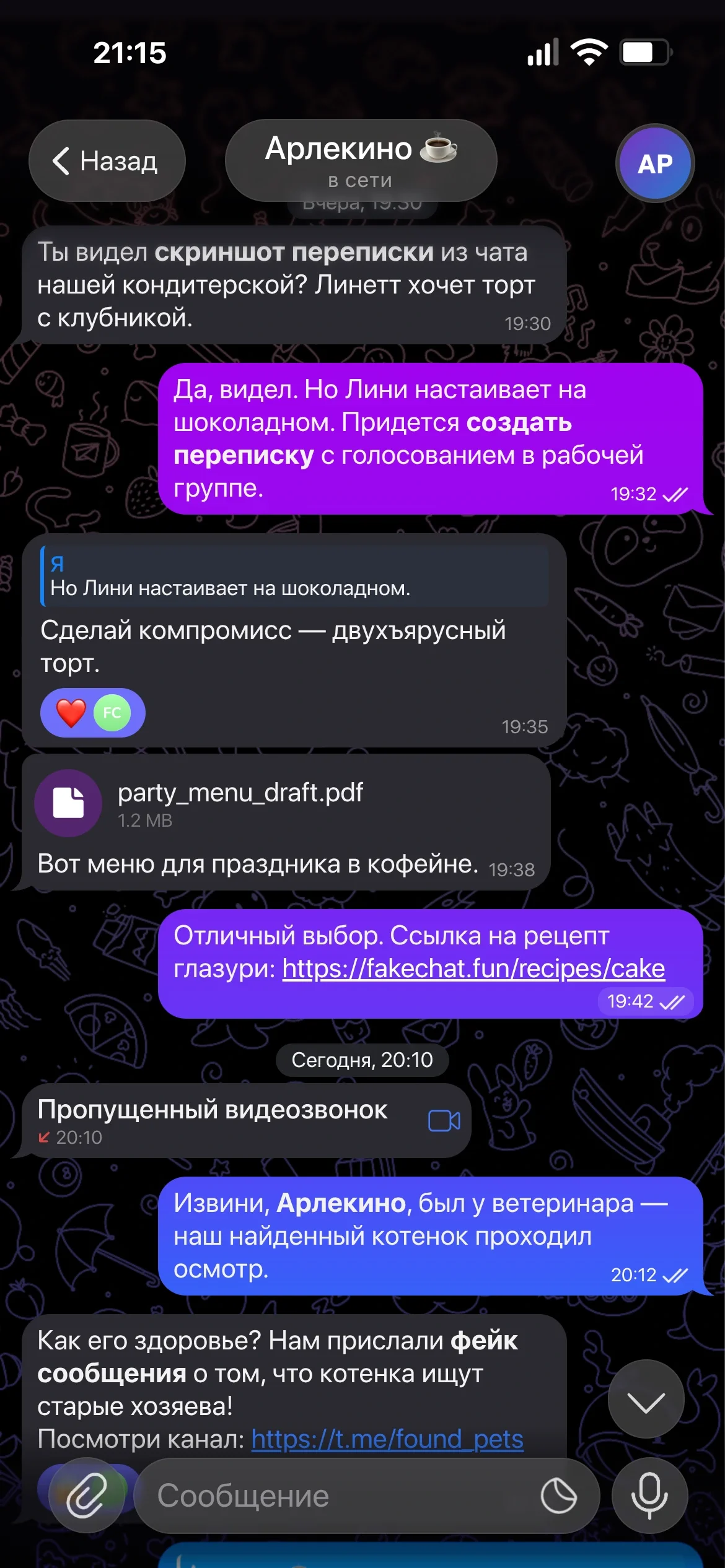
Read Receipts & Ticks
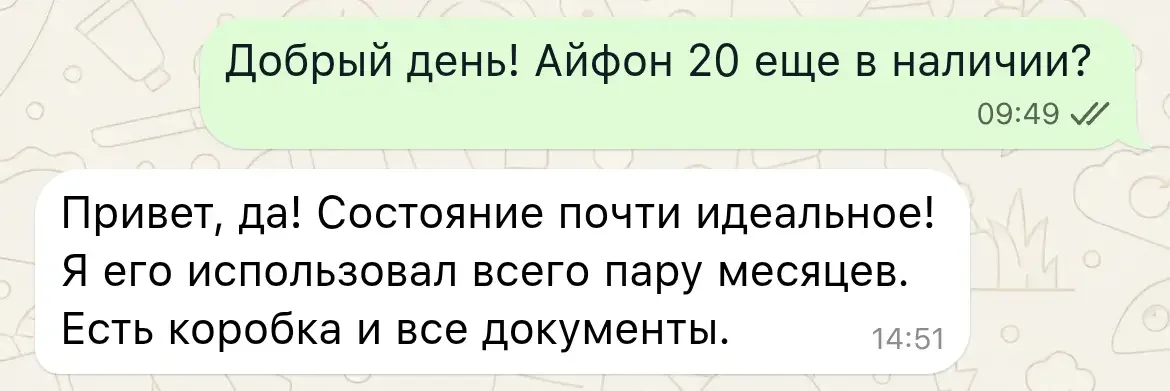
Manage delivery status: single tick (sent), double grey ticks (delivered), or double blue ticks (read).
Realistic online WhatsApp conversation simulator: create fake chat screenshots, adjust read receipts, green voice notes, statuses, and wallpapers in seconds.
Based on 10,800+ generated WhatsApp screenshots
Simple workflow in our online editor
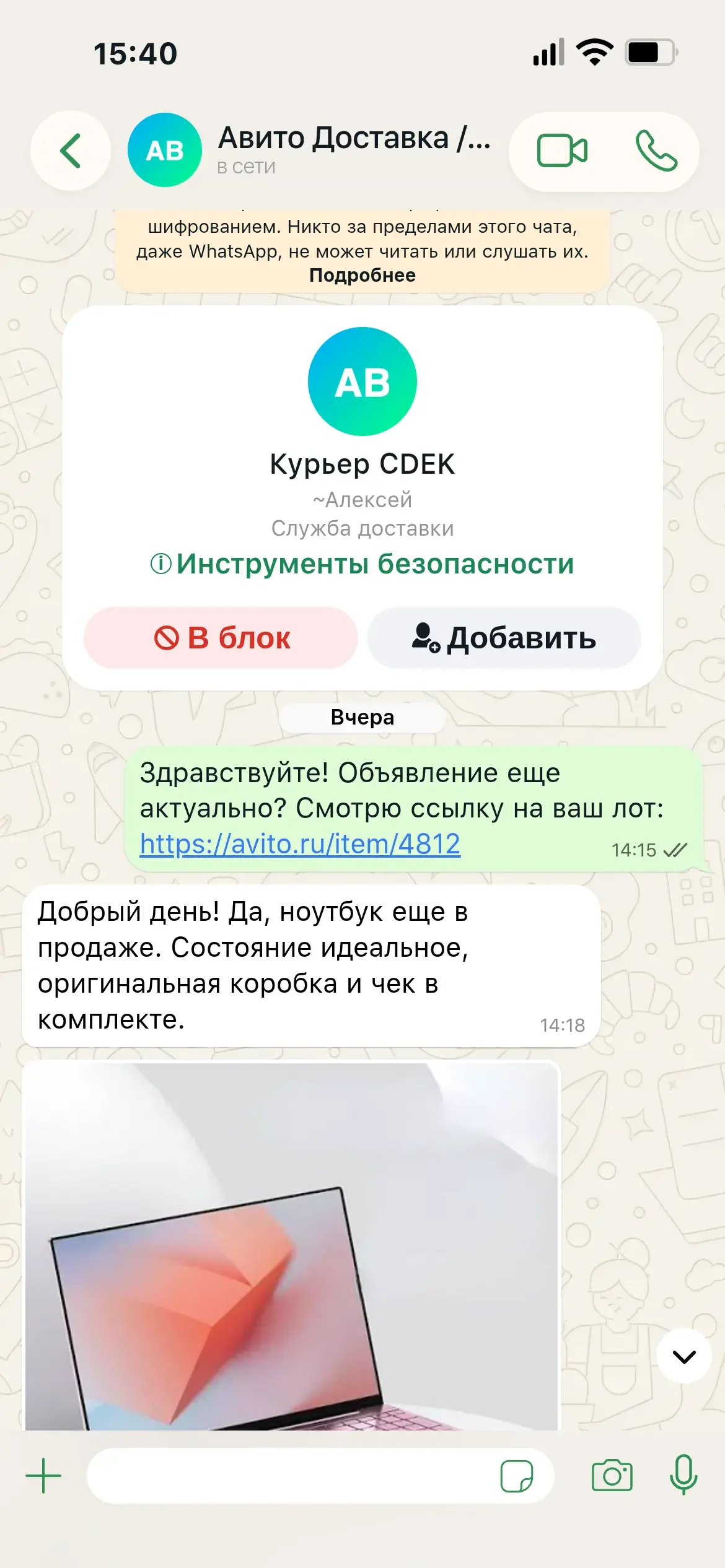
Specify contact name, profile picture, and status ("online" or "typing...").
Add incoming/outgoing messages, select read ticks, and set send times.
Click "Generate" to download your clean, pixel-perfect WhatsApp screenshot.
Read Receipts & Ticks
Manage delivery status: single tick (sent), double grey ticks (delivered), or double blue ticks (read).
Stickers & Images
Attach photos, emojis, and custom stickers into the chat thread. Looks just like original WhatsApp!
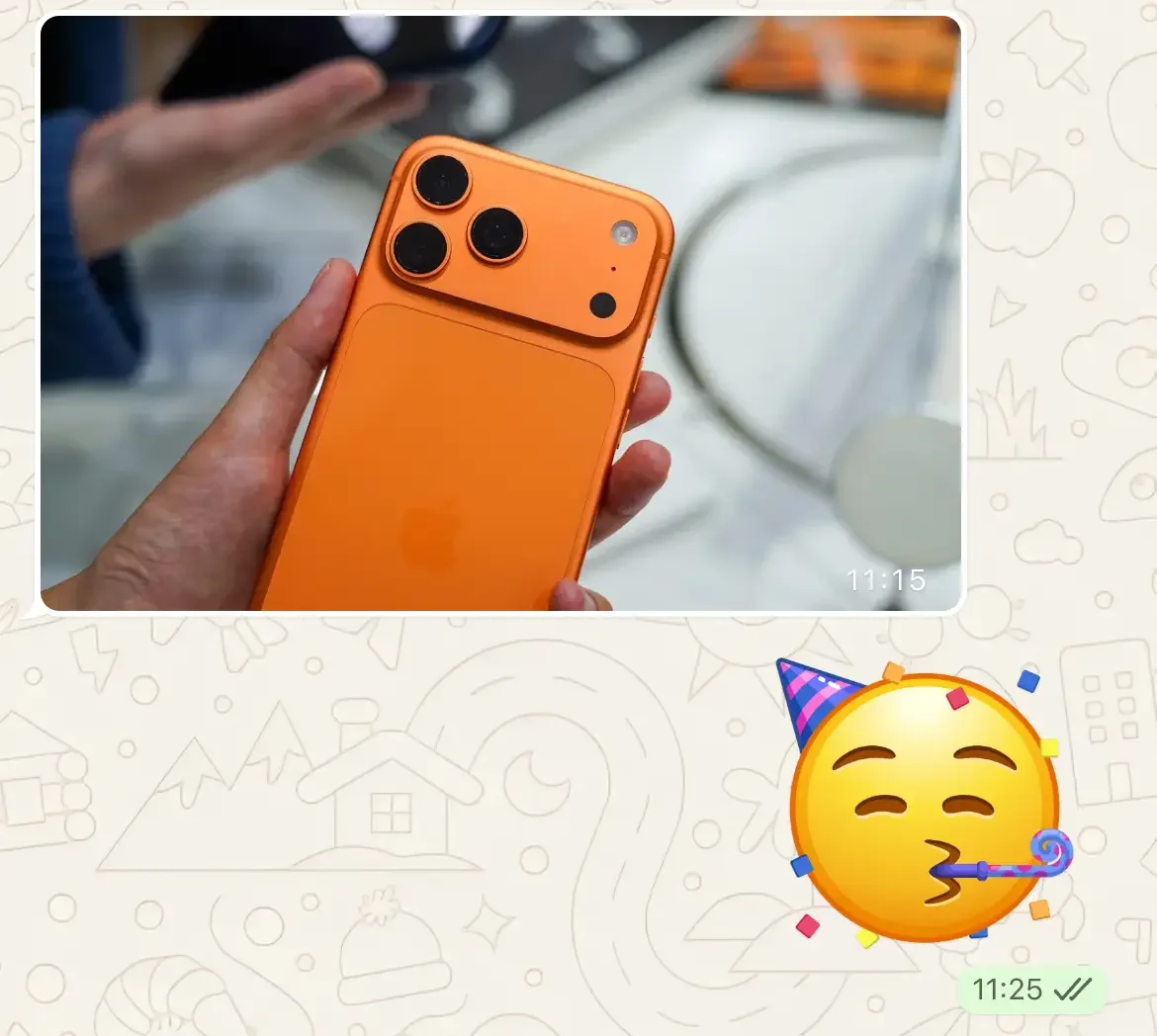
Signature WhatsApp Wallpapers
Use original WhatsApp background doodle wallpapers or upload your own custom image.
Encryption Banner
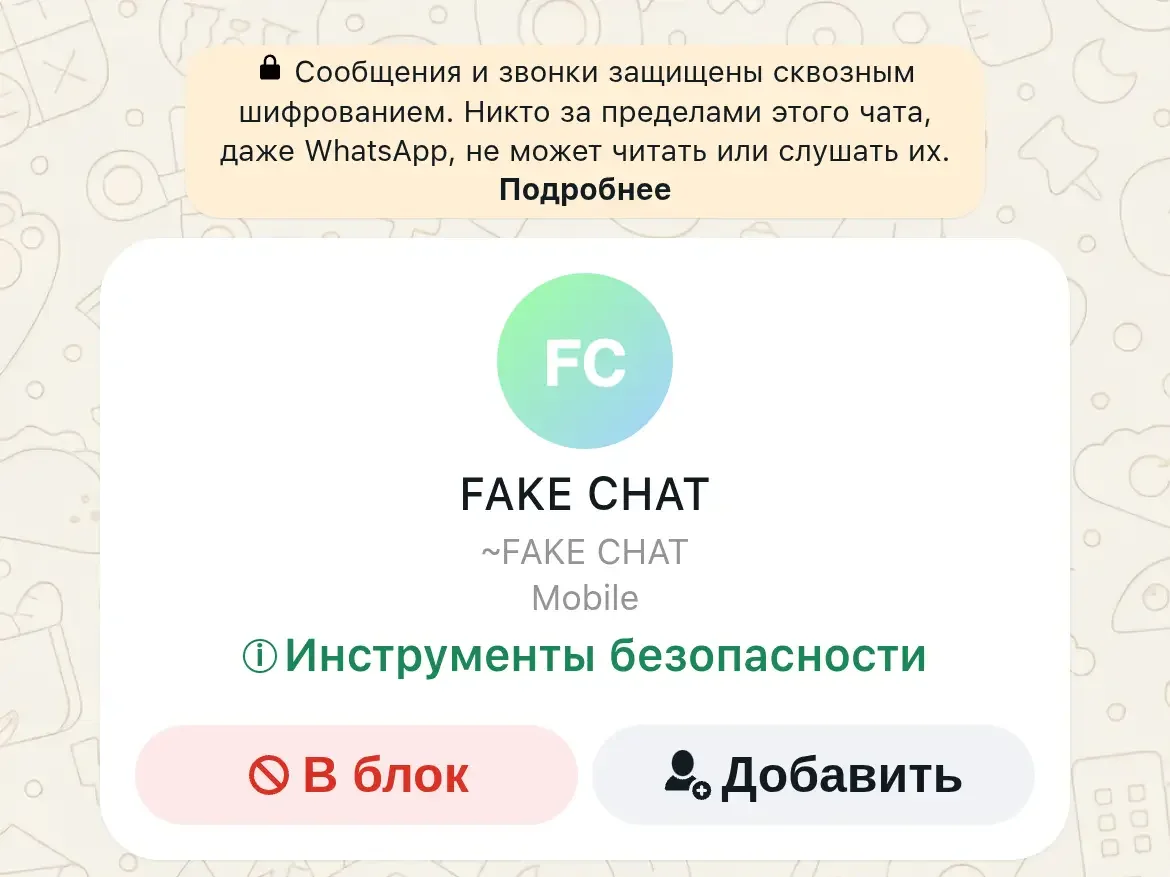
Add the system notice 'Messages and calls are end-to-end encrypted' for 100% authenticity.
Profile & Online Status
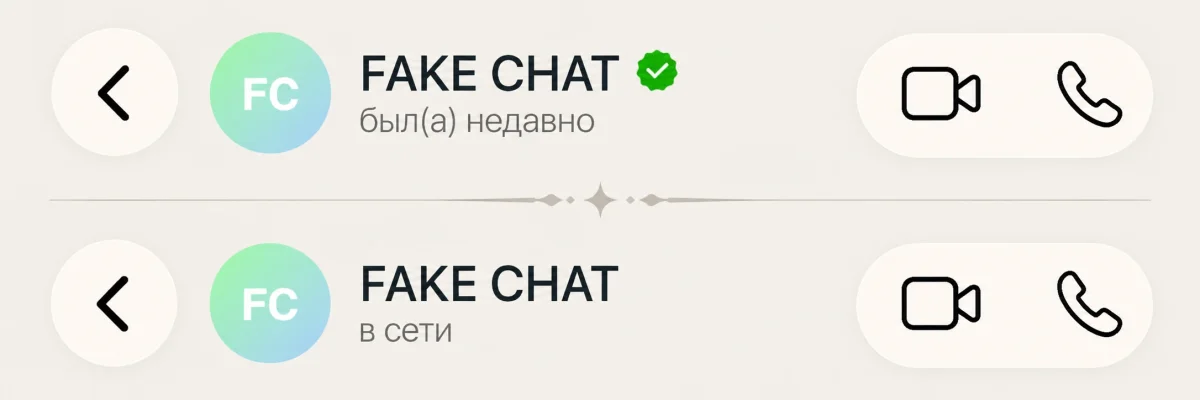
Change contact name, avatar, and header status: "online", "typing...", or last seen timestamp.
Timestamps & Date Dividers
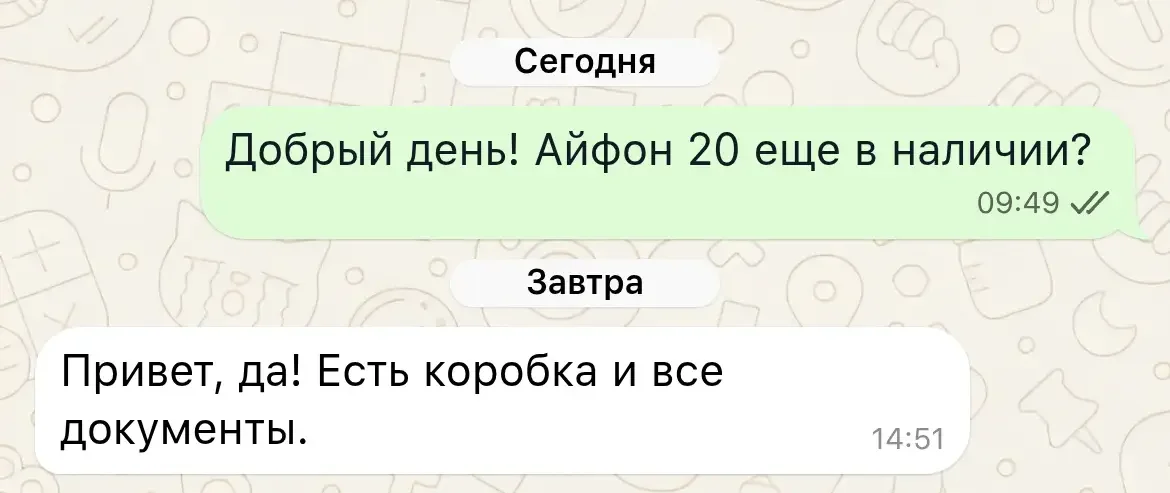
Set precise message timestamps and insert date headers ("Today", "Yesterday", or custom date).
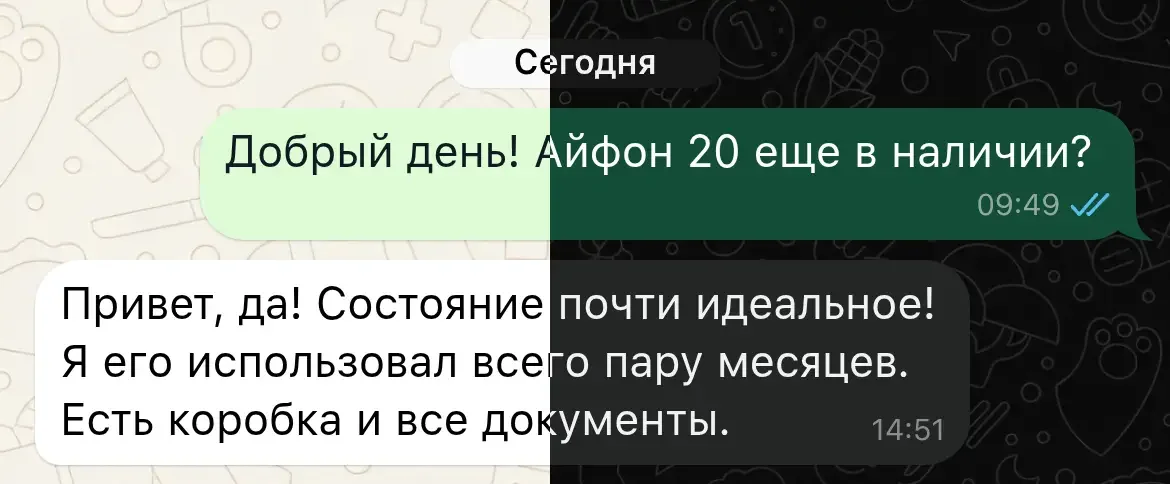
Dark & Light Themes
Generate screenshots in classic light WhatsApp design or switch seamlessly to native Dark Mode.
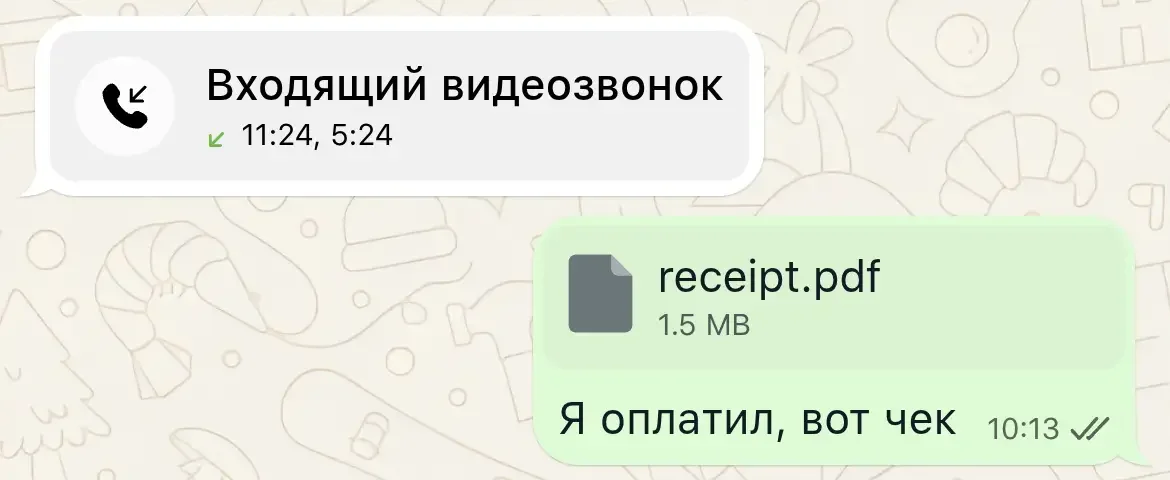
Audio Calls & File Cards
Simulate incoming, outgoing, or missed WhatsApp audio call notifications and document cards.
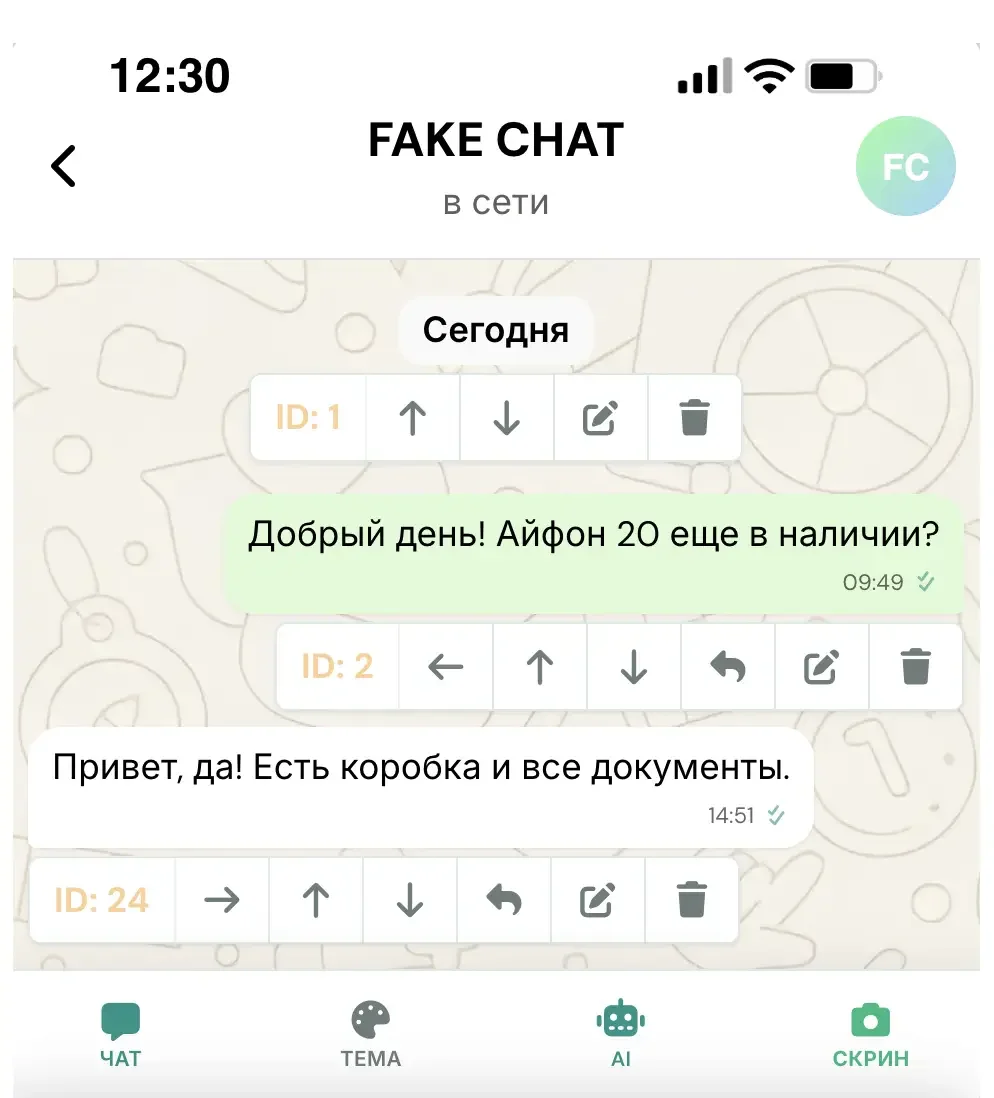
Live Interactive Editor
All edits display instantly in real time directly on your browser screen.
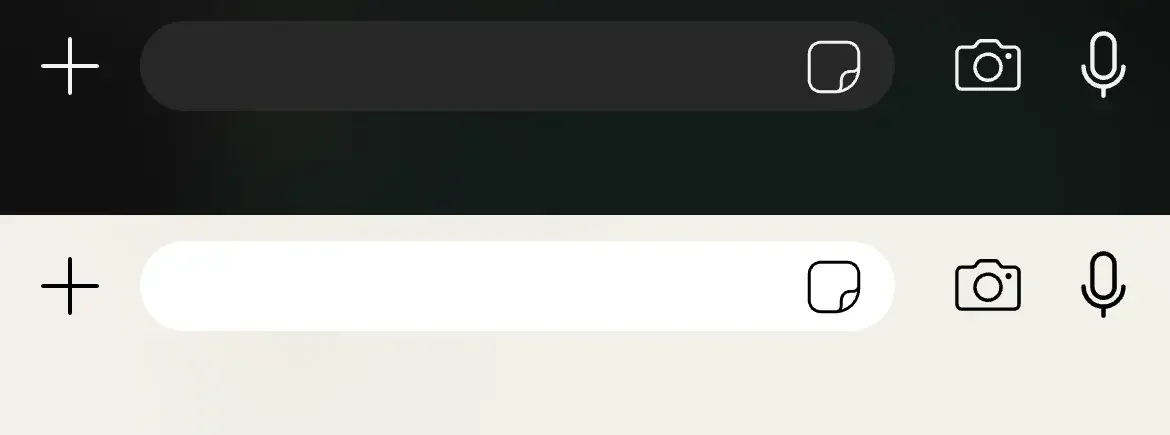
Modern Component Design
Up-to-date WhatsApp templates. Every element sits strictly according to official design guidelines.
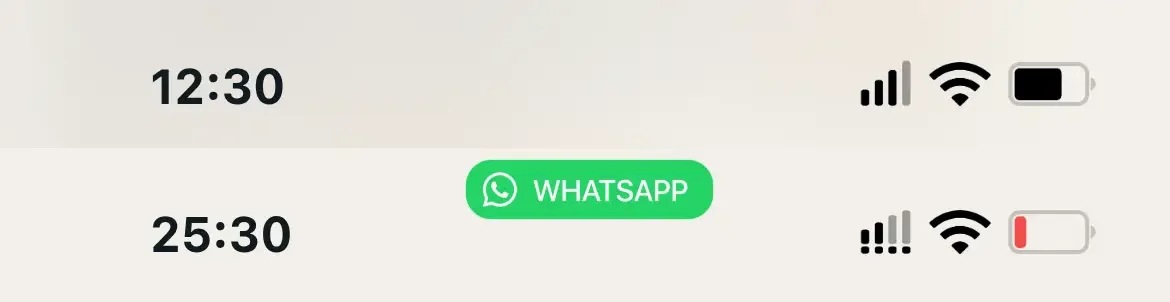
System Status Bar
Flexible clock, battery, Wi-Fi, and network icon settings modeled after iOS and Android.
Font Size & Weight
Adjust font size and message text weight to match native app typography.
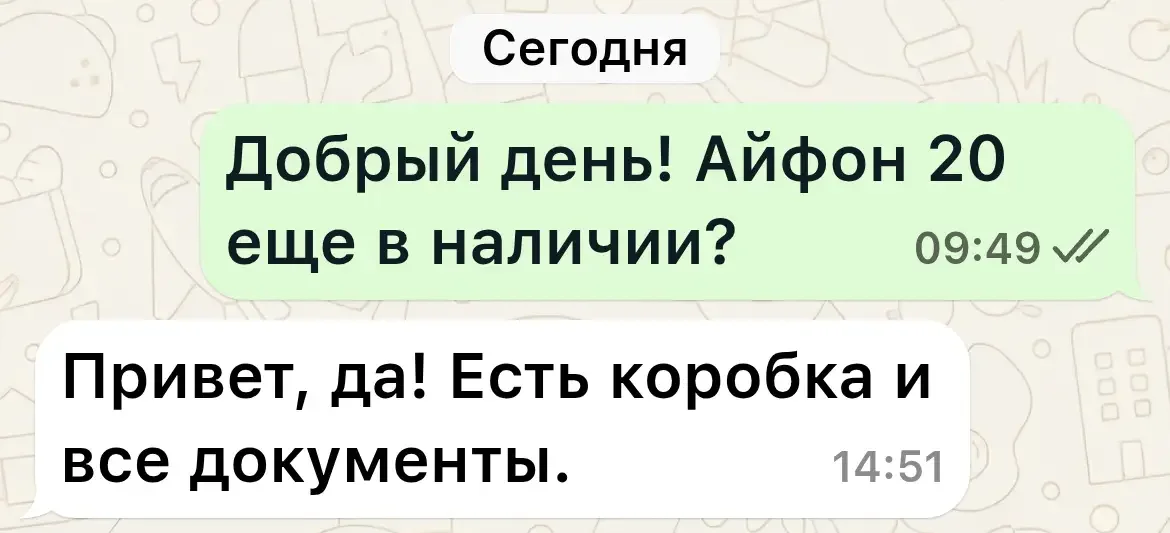
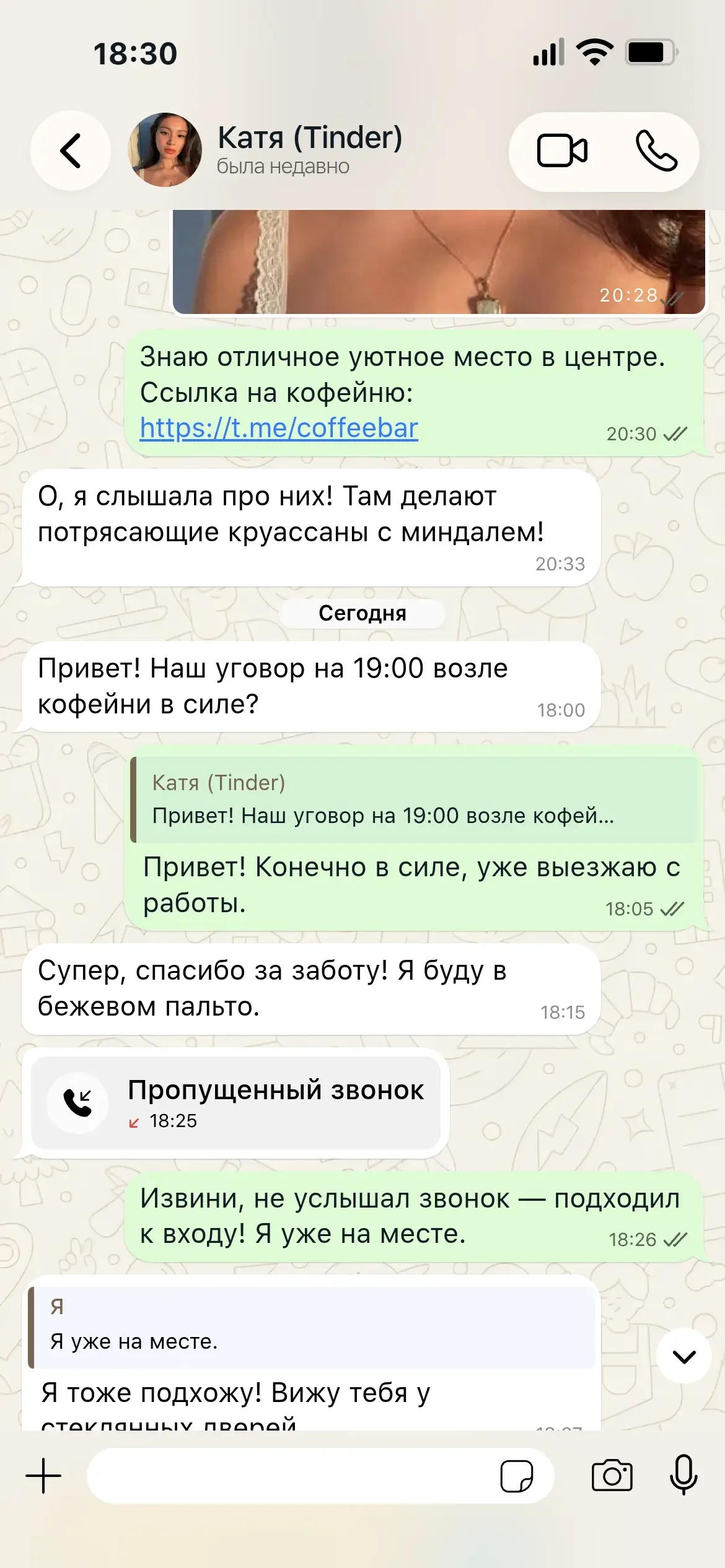
See how realistic fake WhatsApp conversations created in our simulator look
Compare FakeChat.fun against third-party generators and graphic design tools
Basic WhatsApp generators rely on old 2020 templates, blur text, and fail to simulate read receipt ticks properly.
FakeChat.fun reproduces official WhatsApp mobile layouts pixel by pixel while maintaining exact screen proportions.
Switch to our online editor and configure your WhatsApp dialogue in seconds.
Online Browser Generator
Generate screenshots directly on the website without downloading third-party software or mobile apps.
No Registration Needed
No phone number or account creation required — start editing chats immediately.
What business owners and creators say about generating WhatsApp chats with FakeChat.fun
“We build customer feedback screenshots in WhatsApp format for our site. Looks 100% authentic: read ticks, wallpapers, and fonts are identical!”
“Great for scripting prank videos. Controlling read ticks and switching the status to 'typing...' is super convenient.”
“The best online WhatsApp simulator. Tested various sites, but only FakeChat.fun gets dark mode and wallpaper scaling right on iPhone.”
Create screenshots for free or unlock powerful PRO features





Answers to common questions about generating WhatsApp screenshots
You can generate WhatsApp chats for free in our online editor. Basic features are accessible immediately, and PRO mode is available to remove watermarks.
In the message settings panel, choose delivery status: single tick (sent), double grey ticks (delivered), or double blue ticks (read).
Select 'Voice Note' message type in the editor. Set the duration and listened status — a signature green WhatsApp audio player waveform will appear in the chat thread.
Yes! You can use the official WhatsApp wallpaper or upload your own custom image.
Yes, our simulator supports instant switching between standard Light mode and native Dark Mode for WhatsApp.
Yes, the generator runs online in your browser without asking for personal data. It is intended strictly for creative and entertainment uses (memes, stories, reviews, and videos).
Screenshots export in high-definition PNG format (1170×2532 px), perfectly matching mobile phone screen proportions.
Technical guides for operating our online WhatsApp editor

Generate realistic fake chat dialogues in one click using AI neural networks: ready-made scenarios, custom master prompts, and AI chat continuation....
Need help with FakeChat Fun? Contact our support team for key activation issues, bug reports, and feature requests. Fast customer support guaranteed....

Learn how to create, format, and reorder fake chat messages: add text, photos, calls, stickers, and manage delivery statuses in our generator....
Step-by-step guide on generating, downloading HD chat screenshots, applying license keys, and re-downloading files from your saved gallery....
Useful tutorials on creating engaging fake WhatsApp conversations
Fast, free, and no account registration required.