
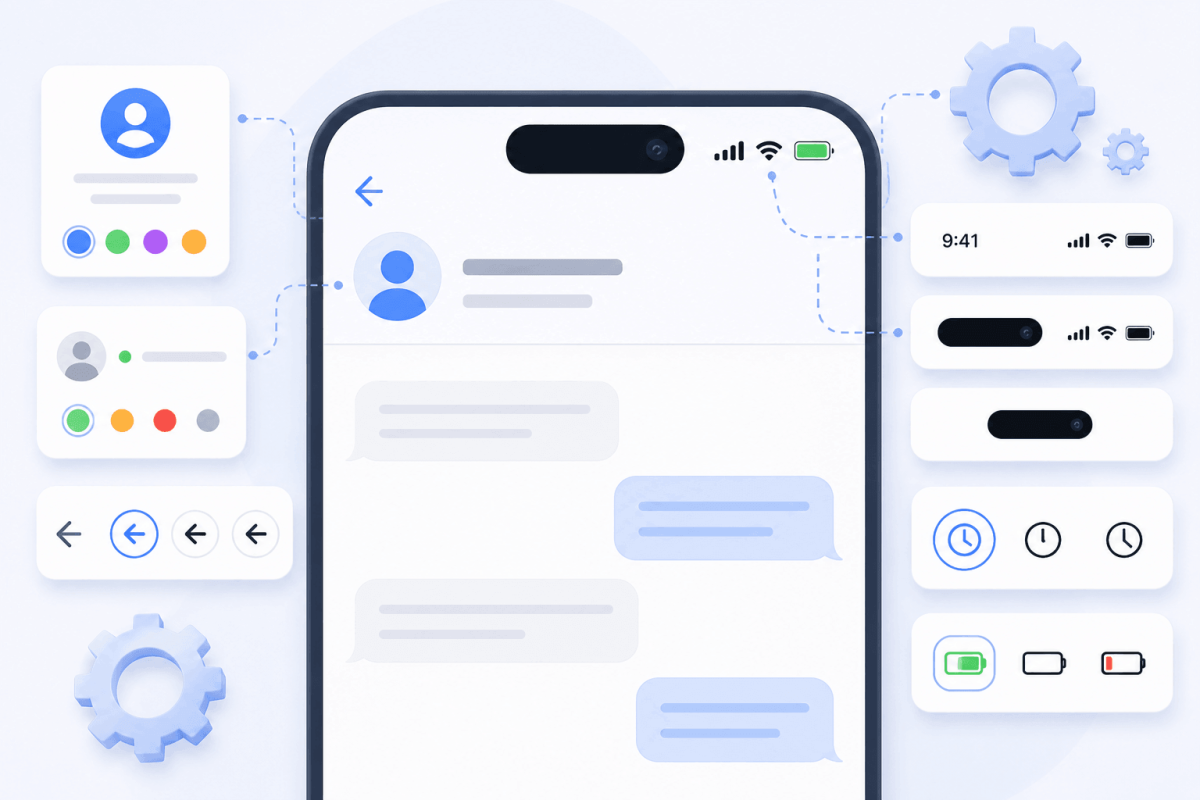
How to configure profile and status bar in a fake chat generator
80% of a generated screenshot's authenticity depends on the correct settings of the top panel and recipient profile.
Profile Setup
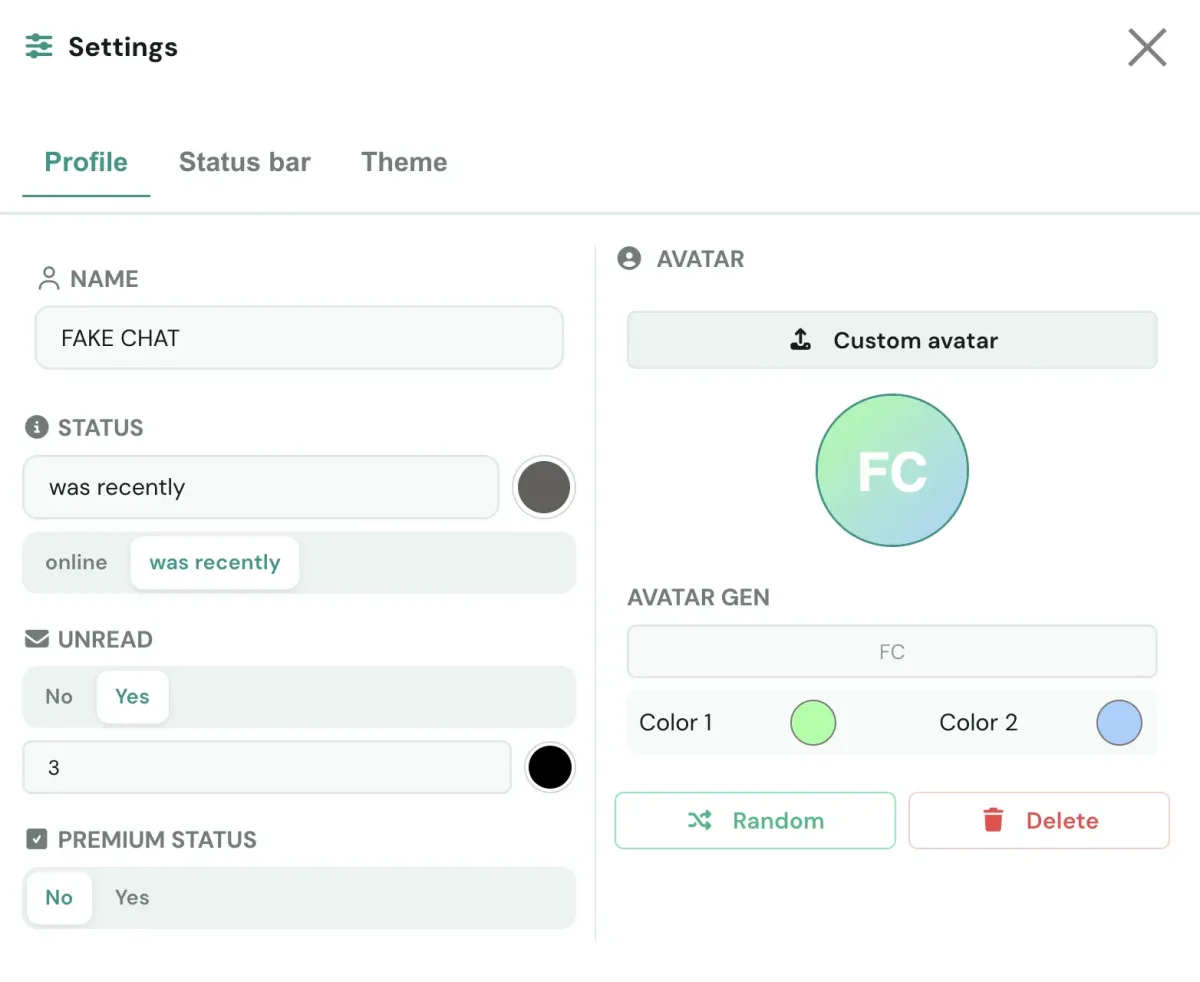
Recipient Avatar Setup
Method 1 — File Upload: Supports PNG, JPG, WebP. Recommended resolution is at least 512×512 pixels. The image automatically scales and crops into a circular frame next to recipient messages.
Method 2 — Initials Generation: Generates an avatar if no graphic file is uploaded. Features: 1–2 initial letters, dual-color gradient background, font size, weight, and X/Y offset controls. The "Random" button auto-selects color palettes.
Status Bar Setup
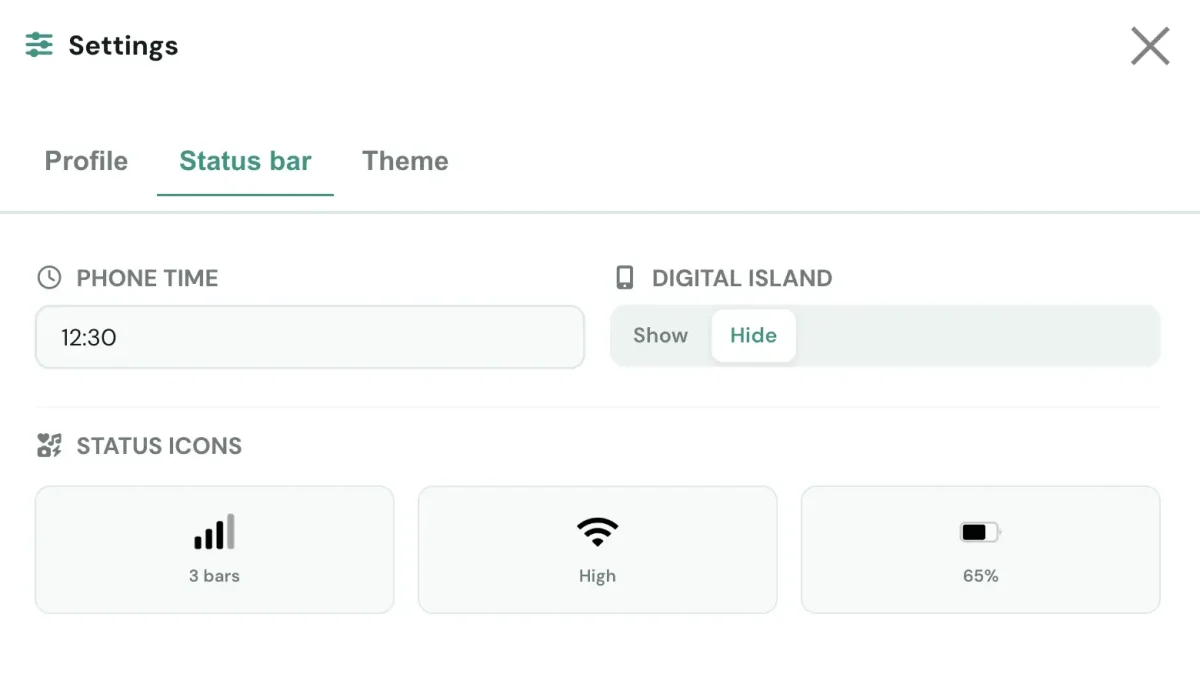
Status bar options maximize screenshot authenticity. Status bar color scheme automatically syncs with your chosen visual theme.
System Time
Time input field in HH:MM AM/PM format (e.g., 09:41 or 09:41 AM).
Battery Indicator
Battery level display toggle. Supports charging lightning bolt icon indicator.
Network Indicators
Signal strength bars (1–4 bars), dual SIM card toggle, and Wi-Fi, LTE, 5G icons.
Dynamic Island / Notch
Emulates top screen hardware notch on older iPhone models (iPhone X, XS, XR, 11). Displays messenger logo and name in top header.